Workspace and collaboration
Everyone in the loop, in the right teams.
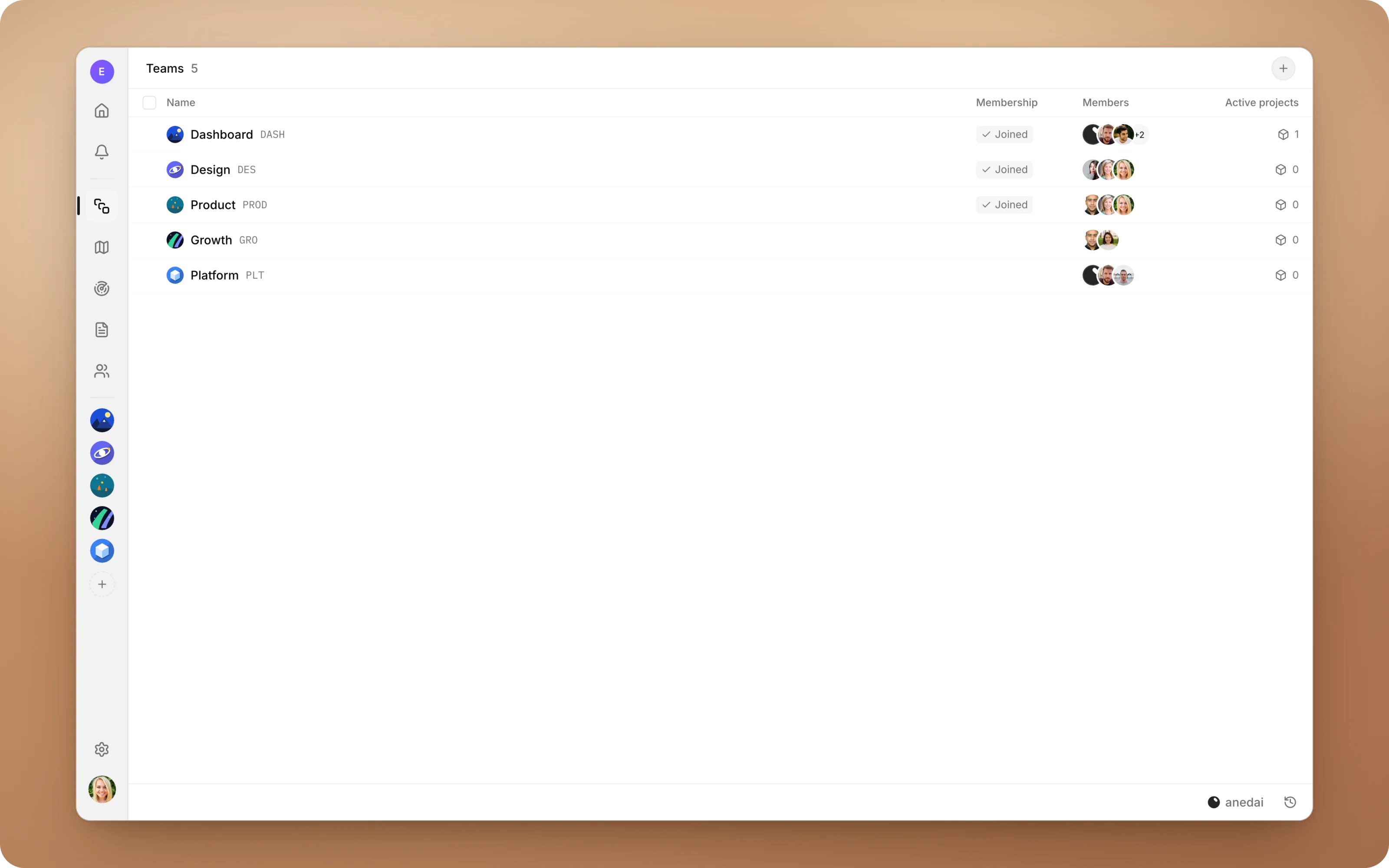
Teams, roles, notifications and integrations: the frame that everything else in AnedAI works inside.
Why Workspace
Why it saves time.
- 01
Everyone in the loop, automatically.
Mentions, replies, assignments and status changes come to you, so nobody has to chase anyone for an update.
- 02
The right access by default.
Team spaces are open to the team, private work stays private, and roles decide who manages the workspace.
- 03
Fast onboarding.
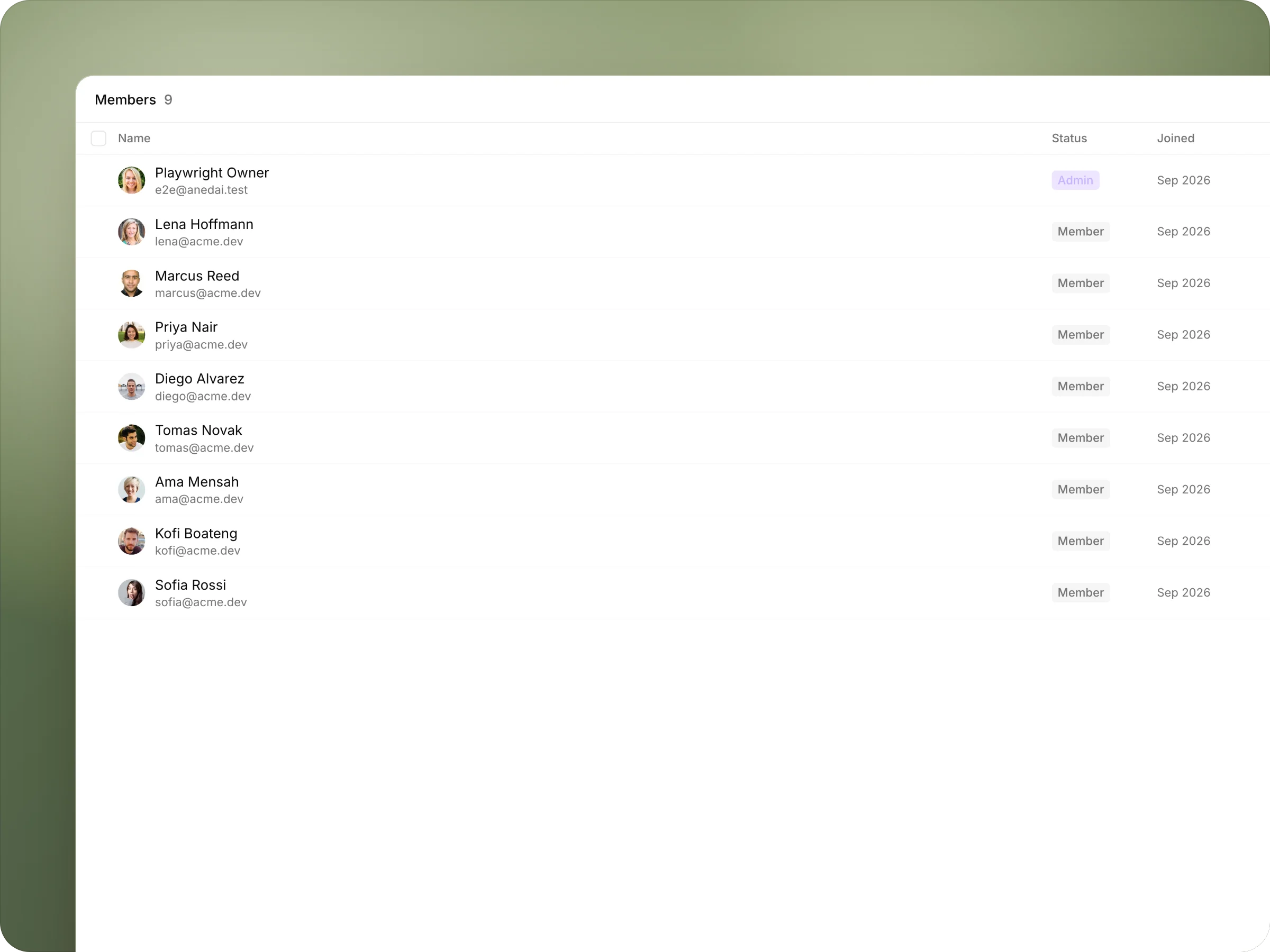
Invite several people into the right teams in one step, and they arrive where the work already is.
- 04
One home for the day.
What's assigned to you and what's moving, on a single page.
What it does
Inside Workspace.
FAQ
Questions, answered.
What roles are there?
Owner, Admin and Member. Invitations go out as Member, and an admin can promote someone to Admin.
Can a team be private?
Yes. A team can be Public, which any member can join, or Private, which is invite only. Private teams are part of the Pro plan and above.
What do notifications cover?
Mentions, replies in your threads, comments on what you wrote or watch, assignments, status moves on what you watch, and demand logged on a plan you own.
Is Aned AI on every team?
Yes, by default. You can assign it issues, and its avatar shows wherever it works.


One connected product memory for the people and AI building your product.
Bring your tools, your docs and your team. AnedAI keeps the story between them.