Customers
Demand, with a name attached.
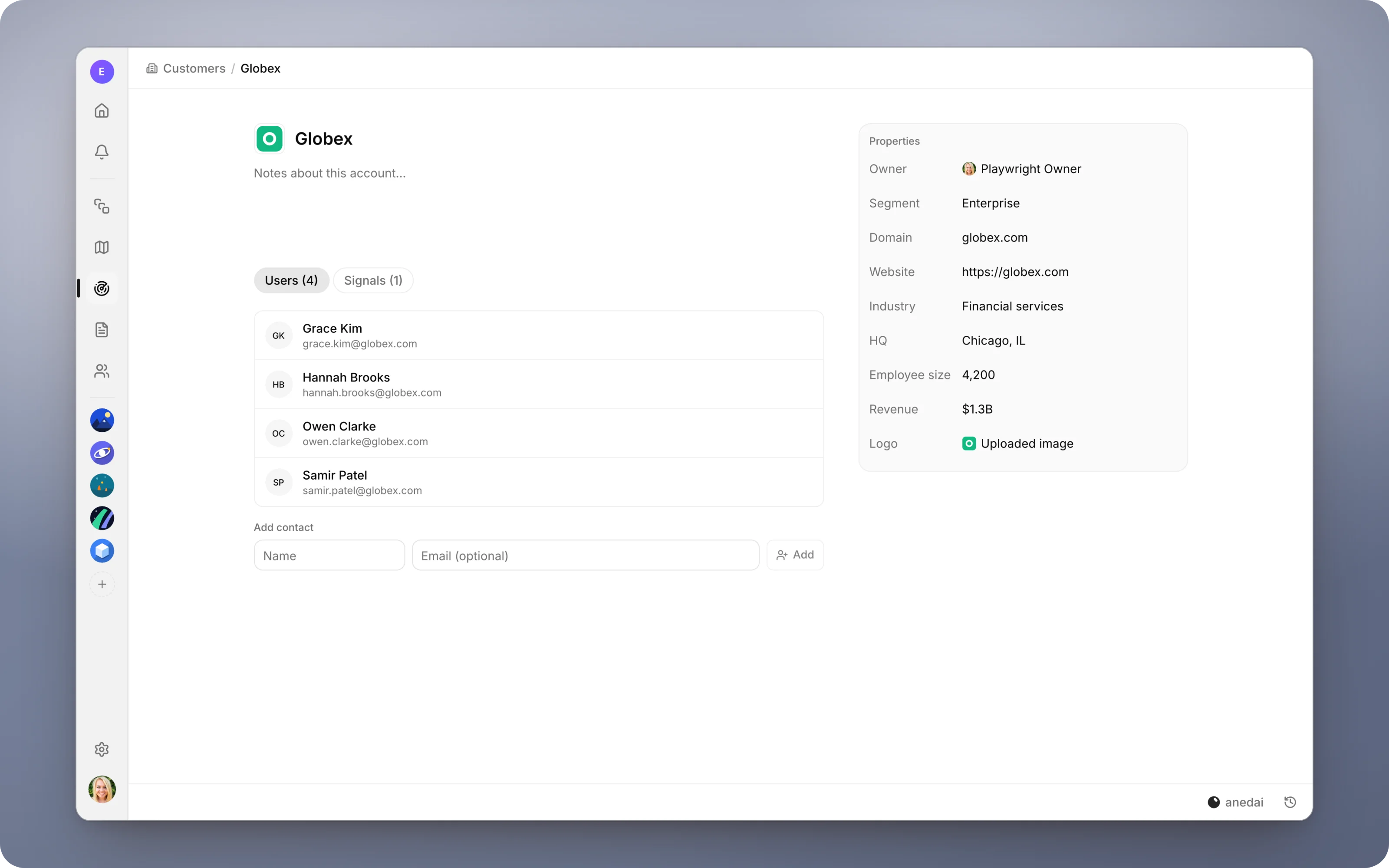
An account record for every company you hear from, with its people, its properties and every signal it has sent, so demand always has a name attached.
Why Customers
Why it saves time.
- 01
Priority has context.
“Three enterprise accounts, one of them $7B in revenue” is a different conversation from “three requests”, and the record is right there to say which.
- 02
No separate CRM tab to cross-reference.
The account details sit next to the feedback, so triage doesn't need a second system open.
- 03
You can close the loop.
When the work behind a signal ships, the account and its contacts are one click away, so telling them is easy.
- 04
Accounts don't get double-counted.
Demand counts distinct companies, so one loud account doesn't look like a trend.
What it does
Inside Customers.
- 01
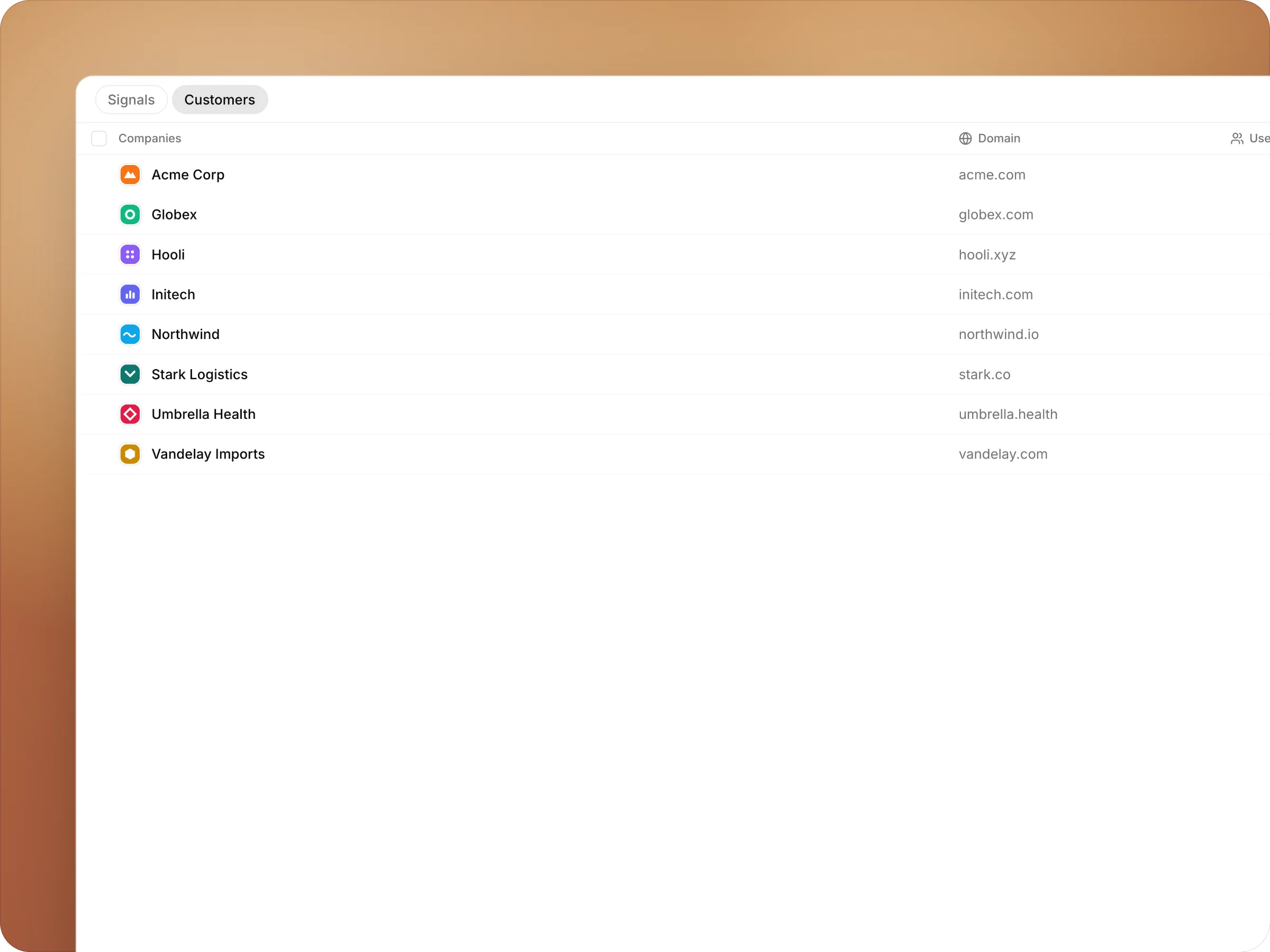
Every account, in one list
Each company you hear from, with its logo, its domain, the people you know there and how many times it has asked for something.
- 02
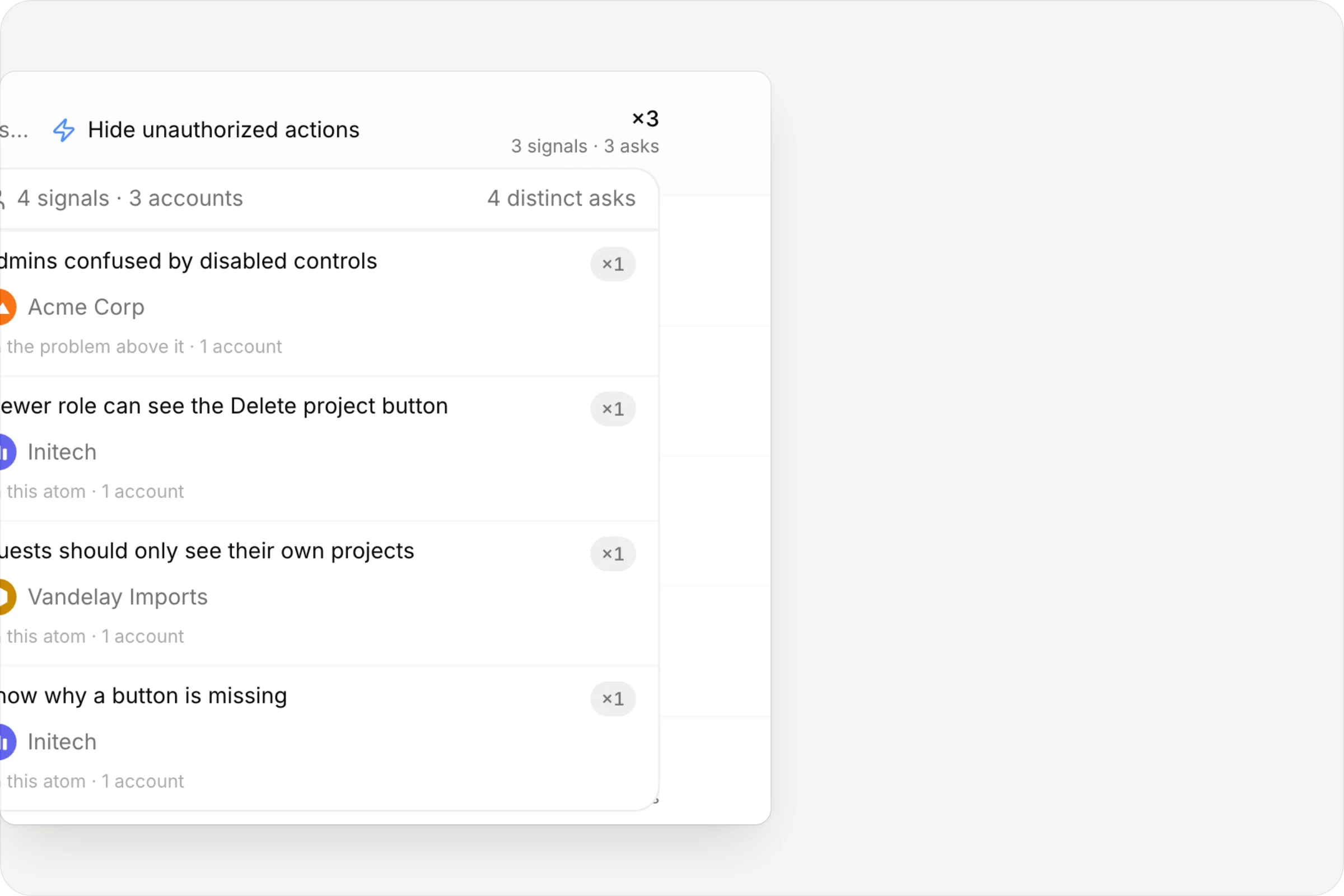
Demand with a company name
Hover a capability's demand and see the accounts behind it: each request, who sent it, and how many distinct companies that adds up to.
Connected tools
Accounts that fill themselves in.
Forwarded email is matched to the customer from its domains, and a spreadsheet import brings a whole customer list in, contacts included.

- An account per companyMatched by domain or name
- Contacts on every signalAdded once, picked every time
- Demand by accountTwo signals, one company, one voice
The details
Small things that add up.
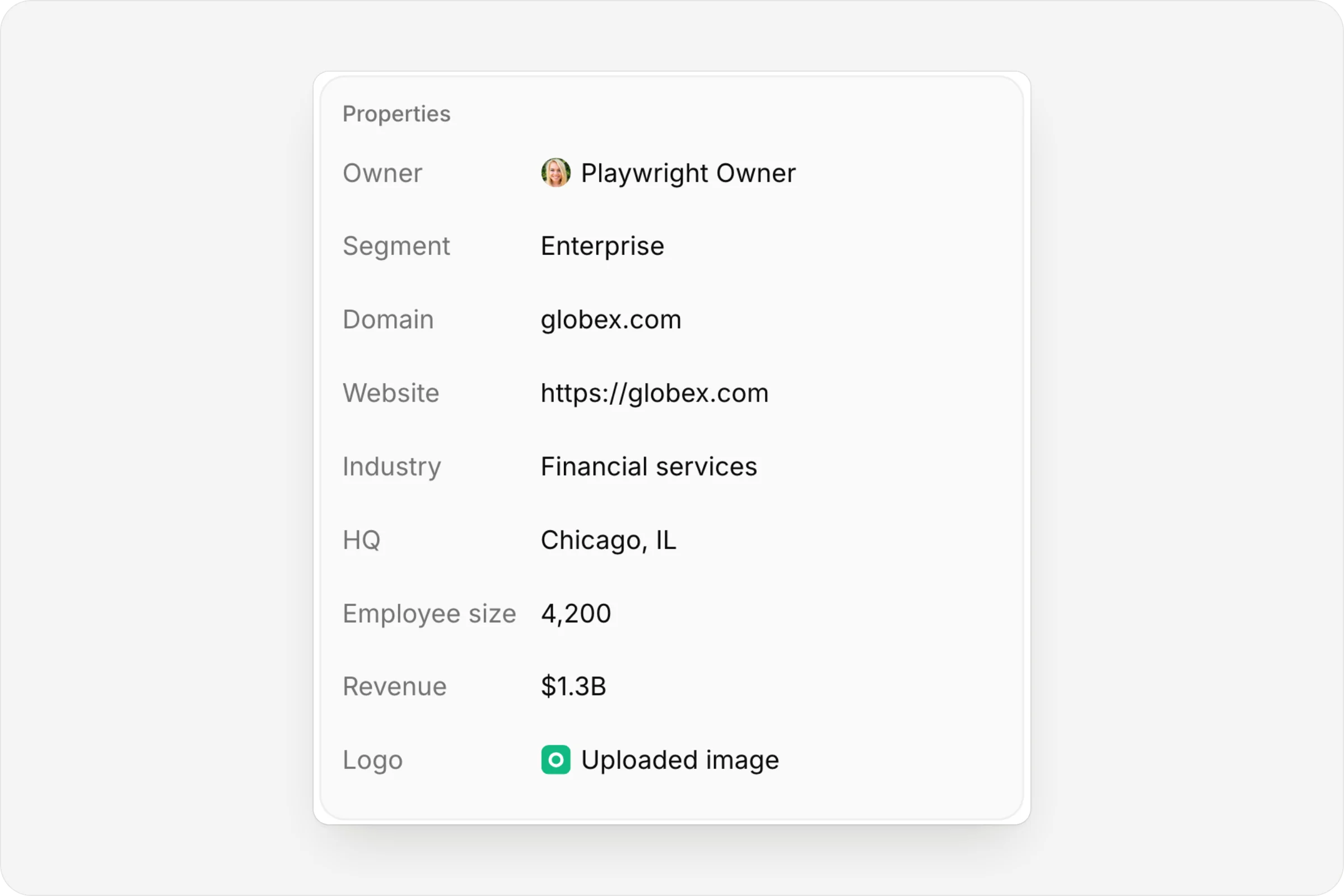
The account, at a glance
Owner, segment, industry, HQ, headcount and revenue.
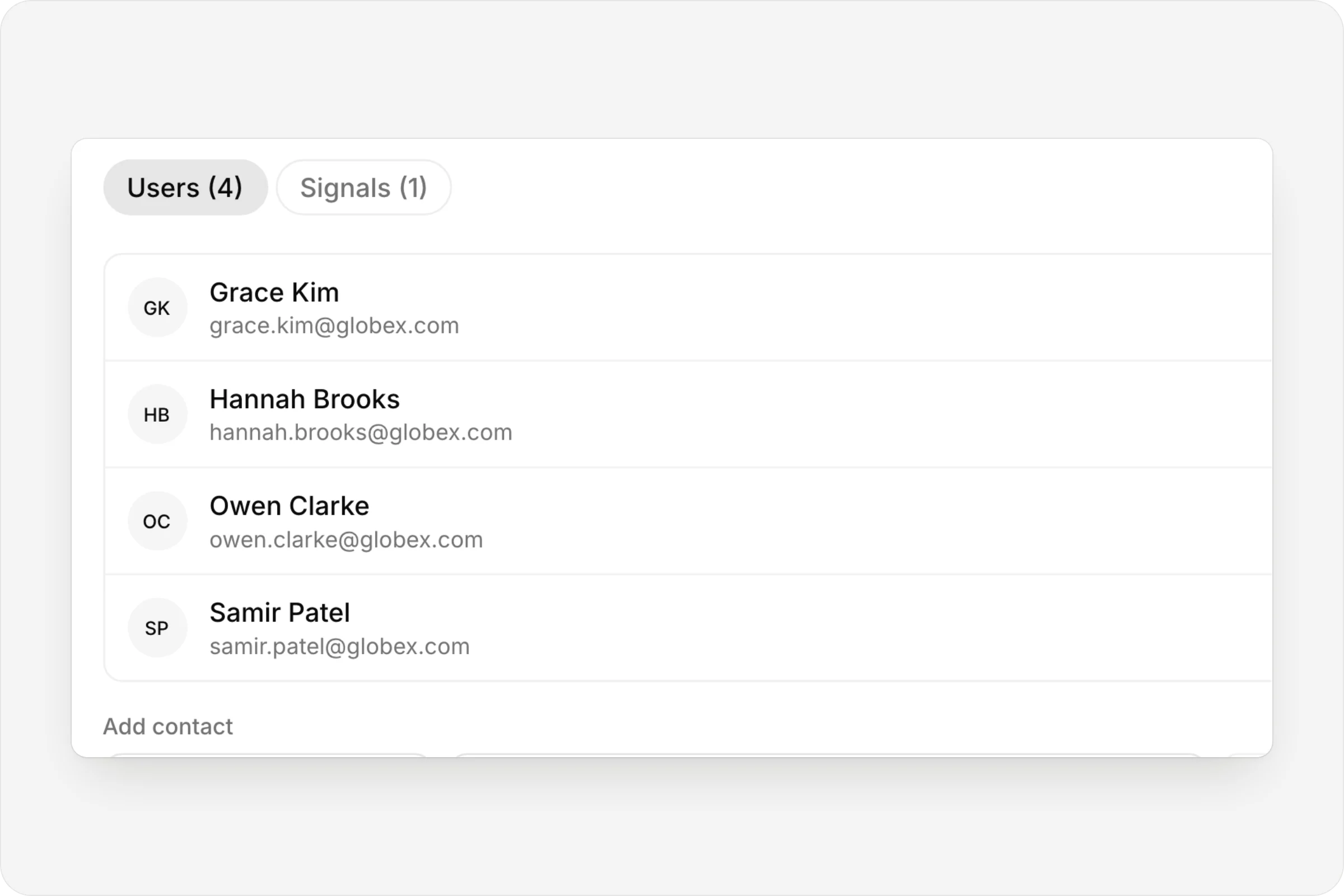
The people behind it
Contacts you add once and pick on every signal.
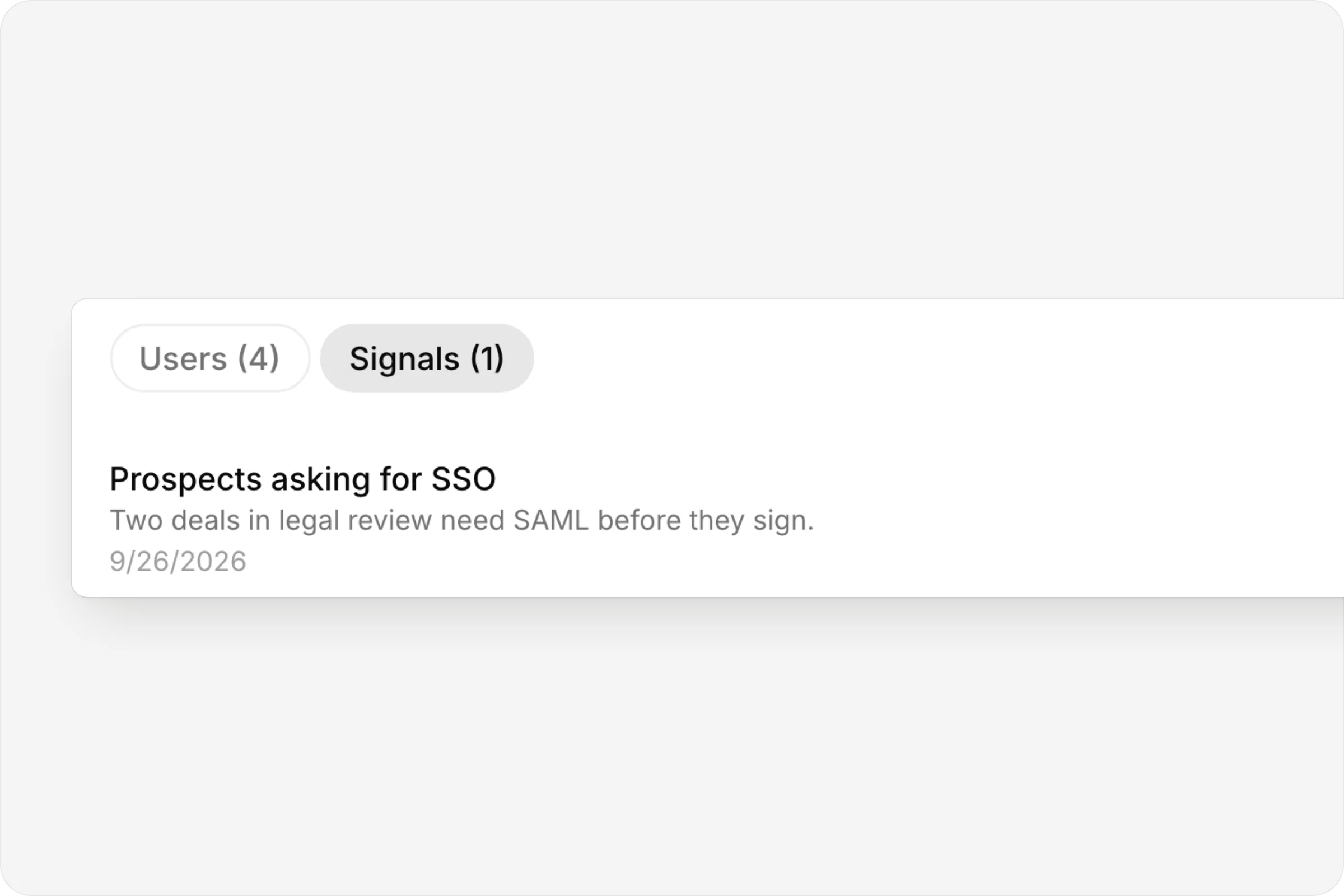
Everything they've sent
Every signal from the account, in one tab.
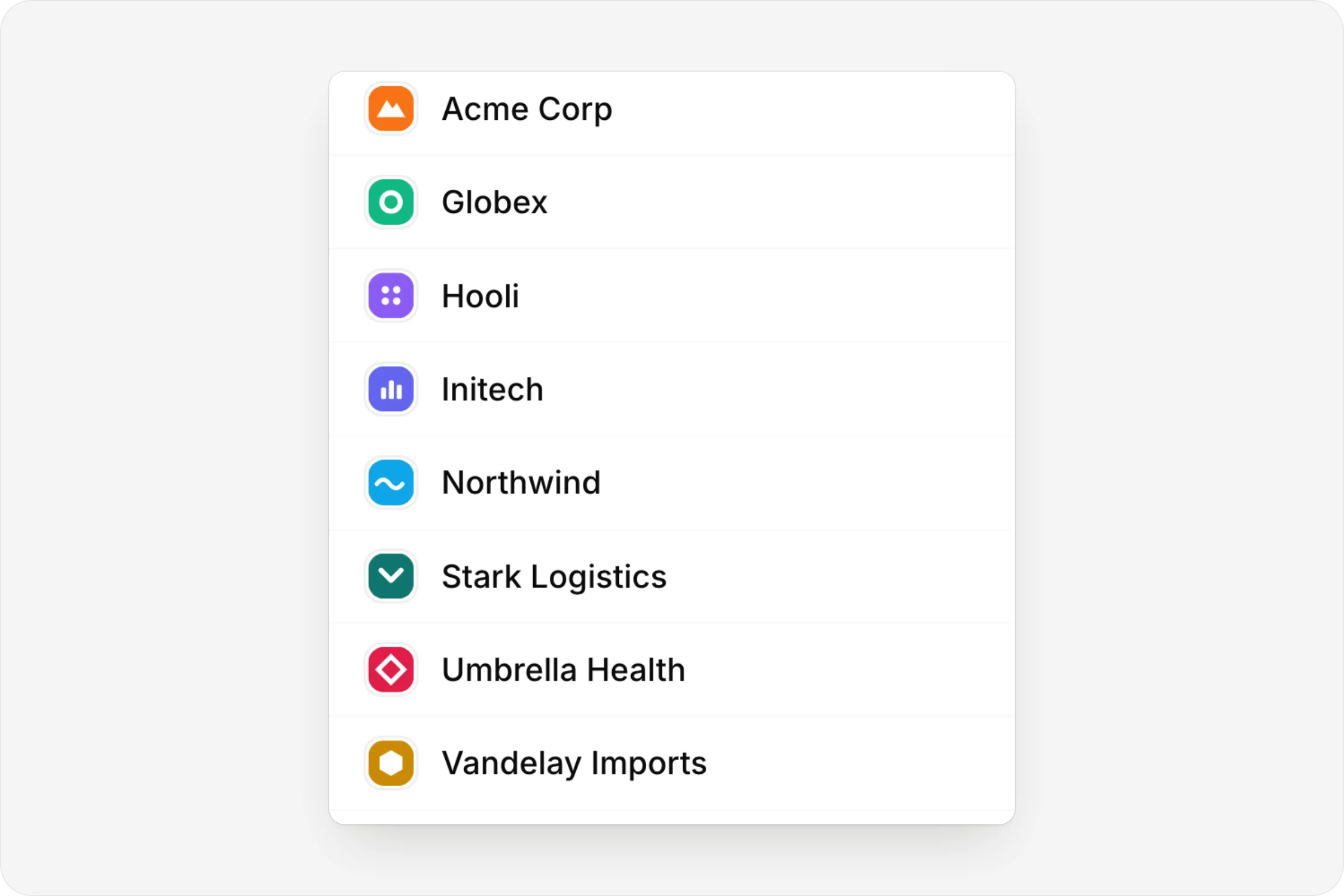
Logos, found for you
Type a domain and the logo fills in.
FAQ
Questions, answered.
How do customers get in?
Add one by hand, or import a spreadsheet, contacts included. Imports match accounts by domain or by name, so a re-import updates the accounts you have rather than adding copies.
Does a partial import wipe anything?
No. A partial sheet only fills the fields it has; it never blanks the rest.
How is demand counted?
By account, not only by request. Two signals from the same company count as one account.
Where does the logo come from?
It's filled in from the company's domain, or you can set it to any image.
Connected
Works with
- SignalsOne inbox for customer feedback, support email and production errors, with duplicates linked and demand counted.
- RoadmapCapabilities on a timeline, with status that updates itself from the work.
- PlansA live map from goal to capability to contract to issues, with decisions, history and a generated PRD.


One connected product memory for the people and AI building your product.
Bring your tools, your docs and your team. AnedAI keeps the story between them.