


Signals
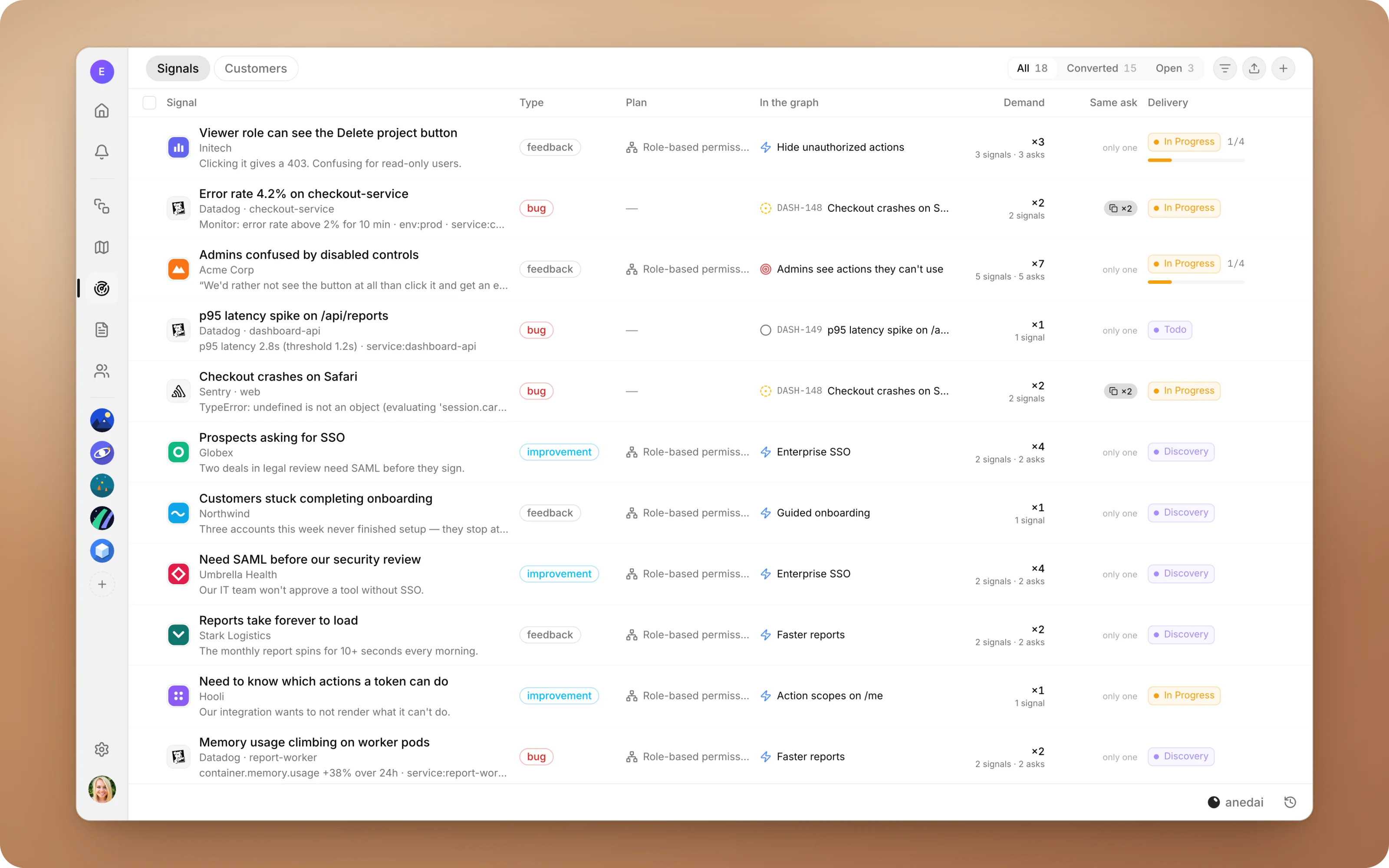
Every customer ask, in one inbox.
One inbox for everything customers and production are telling you, with duplicates linked, demand counted, and a one-click path into the plan.
Why Signals
Why it saves time.
- 01
No more “who asked for this?”
Every capability shows the customers and conversations behind it, so prioritising is a matter of reading, not detective work.
- 02
Duplicates stop inflating the backlog.
Five reports of the same problem become one ask with five voices, not five tickets.
- 03
Triage becomes one decision.
Convert shows a recommendation and puts the signal into the plan in one step, with no retyping.
- 04
The customer's own words reach the builder.
A converted bug carries the original report into the issue, so nothing gets lost in translation.
- 05
The loop closes.
A signal's Delivery column shows how far its work has got, so you can tell a customer when their request has shipped.
What it does
Inside Signals.
Connected tools
Everything customers and production say, in one inbox.
Forward customer email to your workspace's intake address, point your error tracker's webhook at it, or import a spreadsheet.
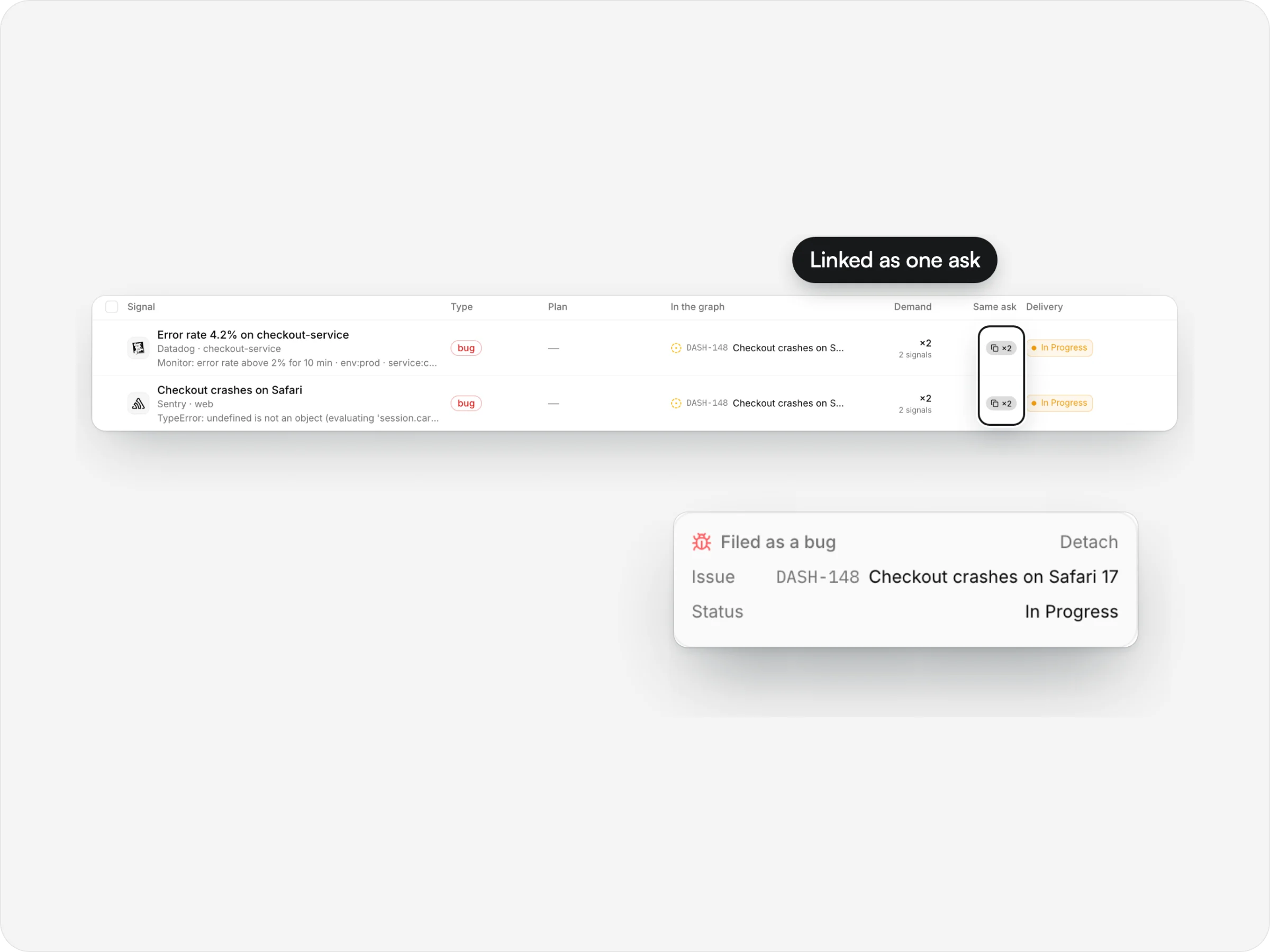
- Duplicates linkedFive reports, one ask
- Demand countedPer distinct customer
- Into the planOne decision to convert
- Delivery trackedHow far each ask has got
anedai AI
From “who asked?” to the plan.
anedai links duplicates for you, suggests where a signal belongs in the plan, and answers questions about demand from the live inbox.
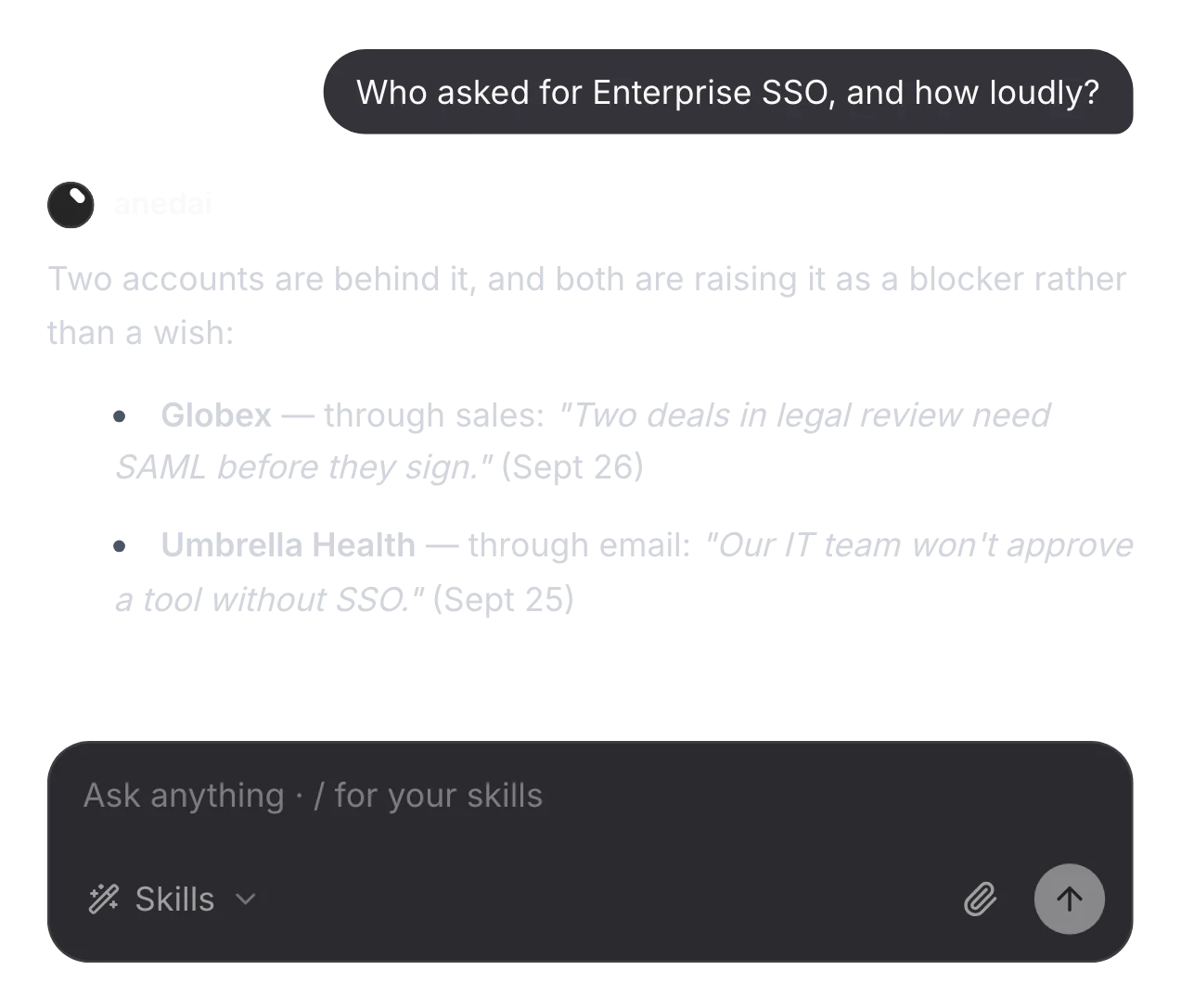
Who asked, and how loudly
Ask about any capability and get the customers behind it, from the signals themselves.
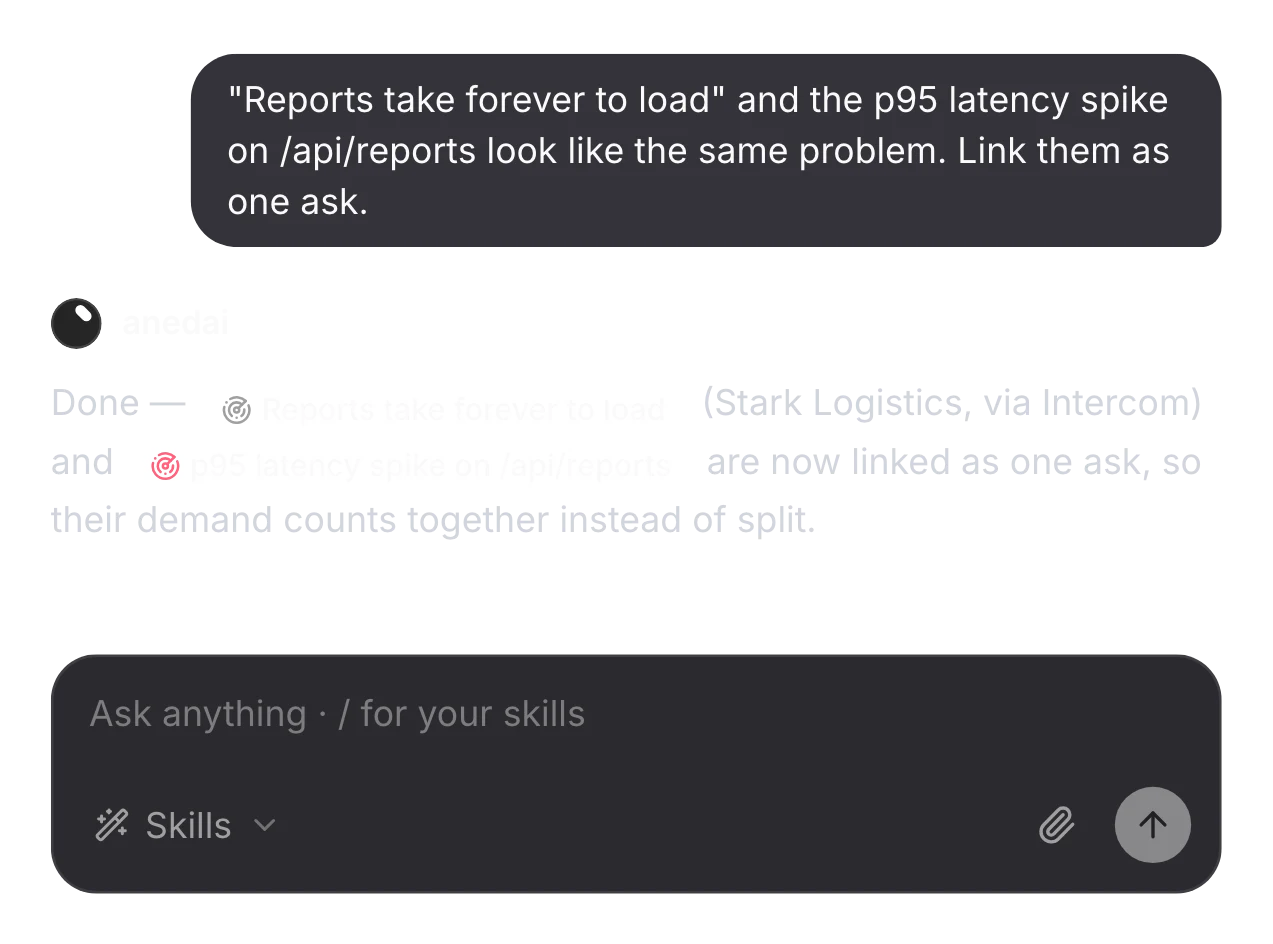
Link duplicates in a sentence
Linking keeps each report as it is, and their demand counts together from then on.
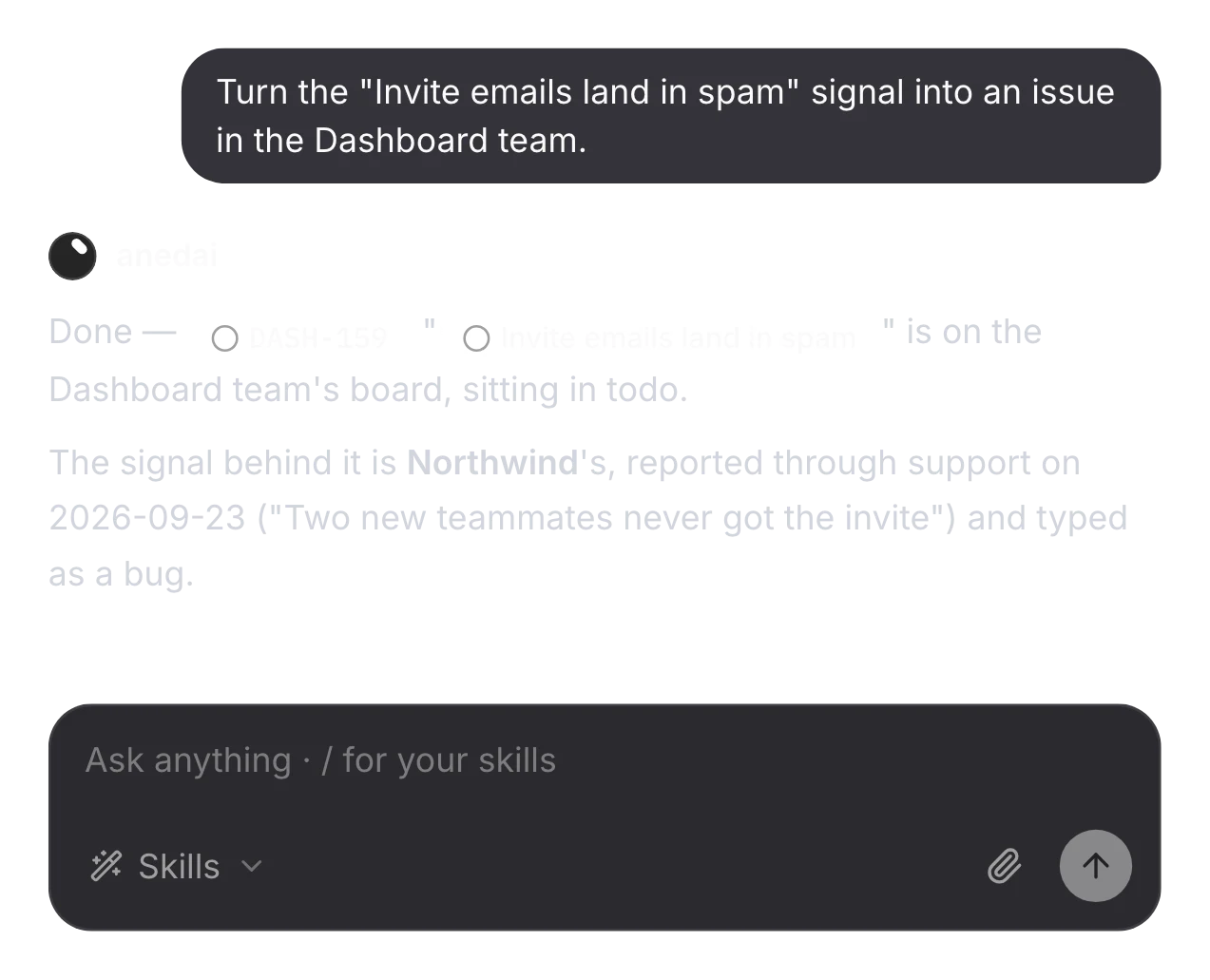
Convert, then decide what's next
It files the issue where you say, with the customer's report behind it.
The details
Small things that add up.
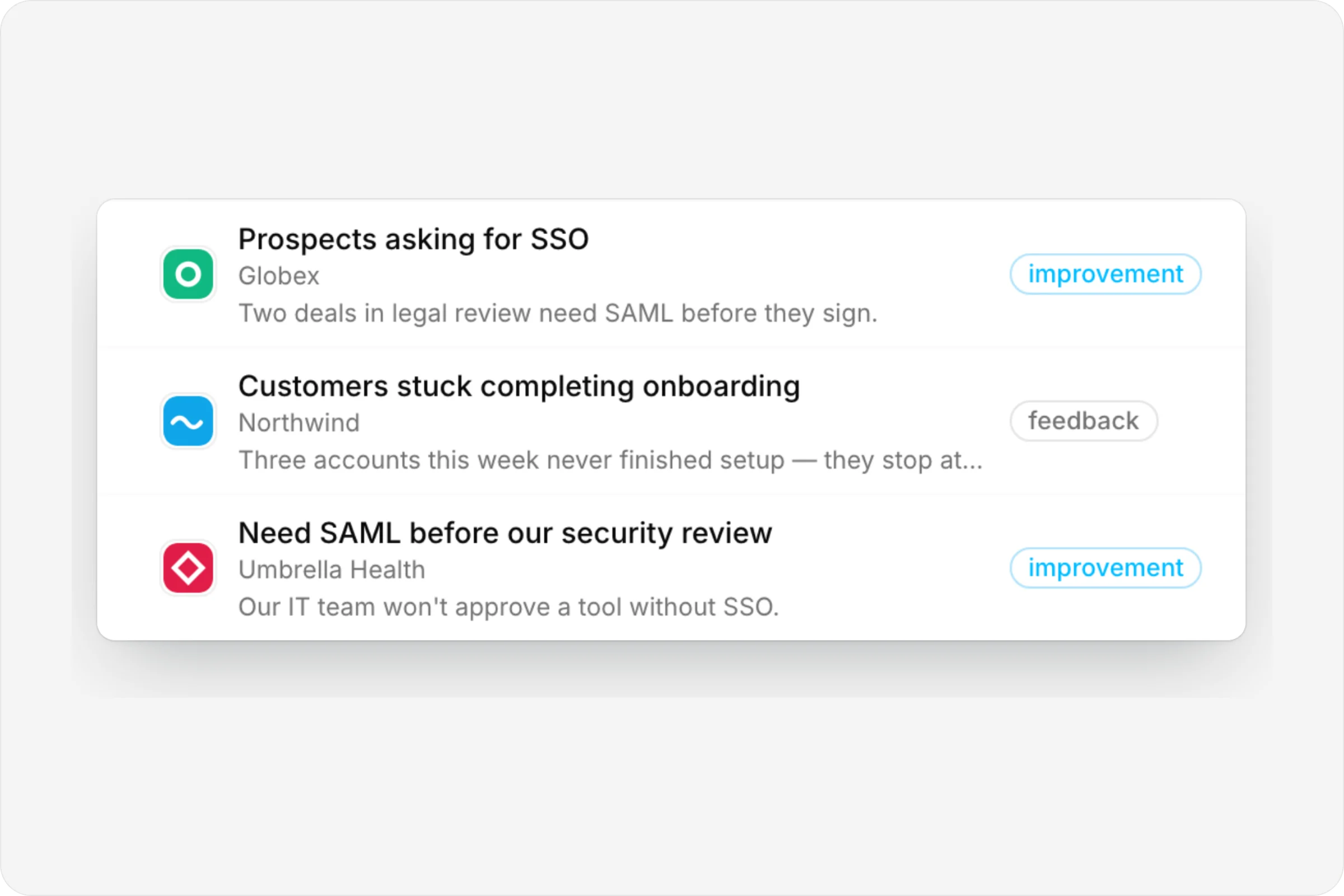
Feedback, bugs and improvements
Every signal has a type, a source, a customer and an owner.
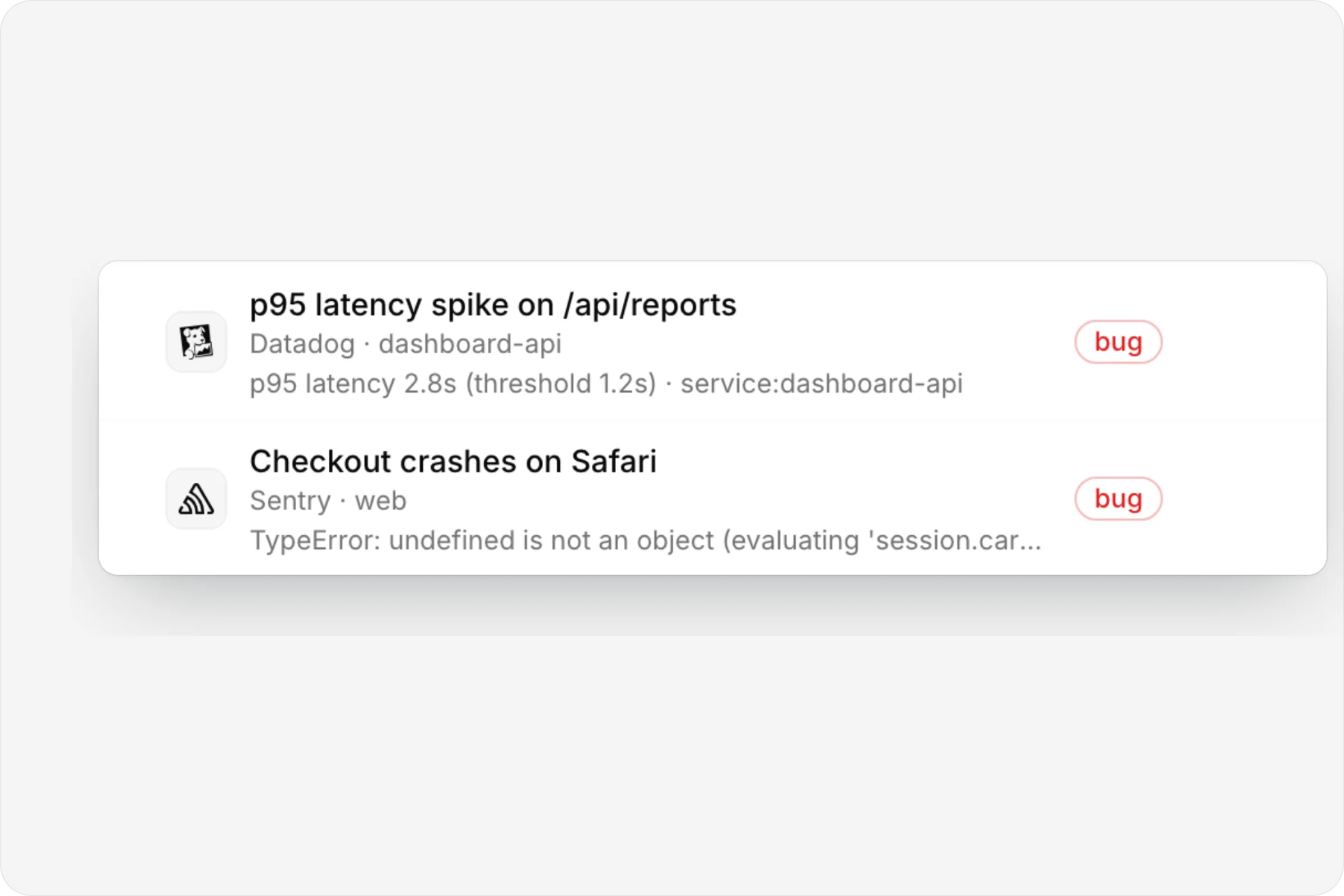
Errors, not alert floods
A crash firing a thousand times is one signal with a count, not a thousand rows.
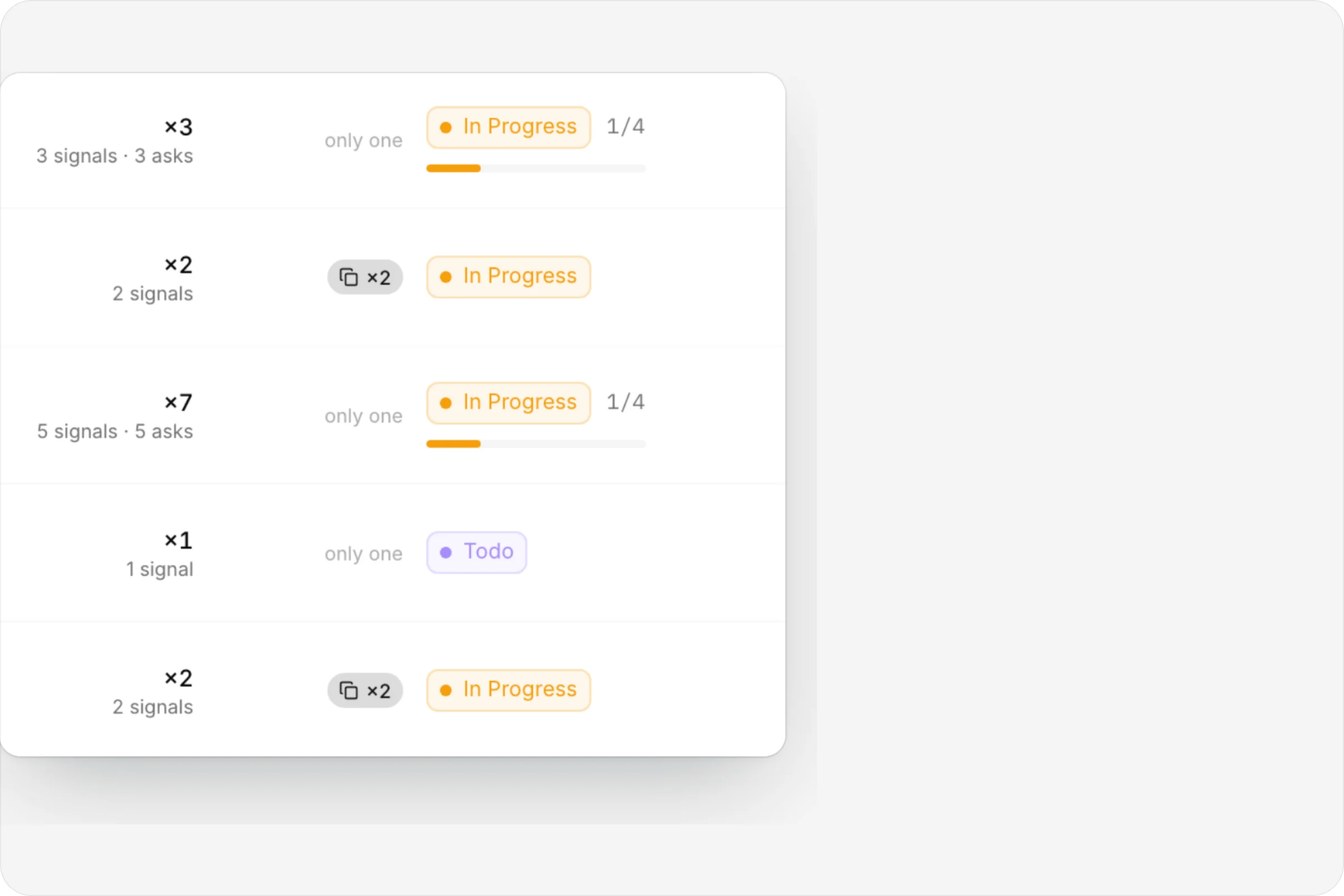
Delivery you can tell a customer
The Delivery column shows how far each ask's work has got.
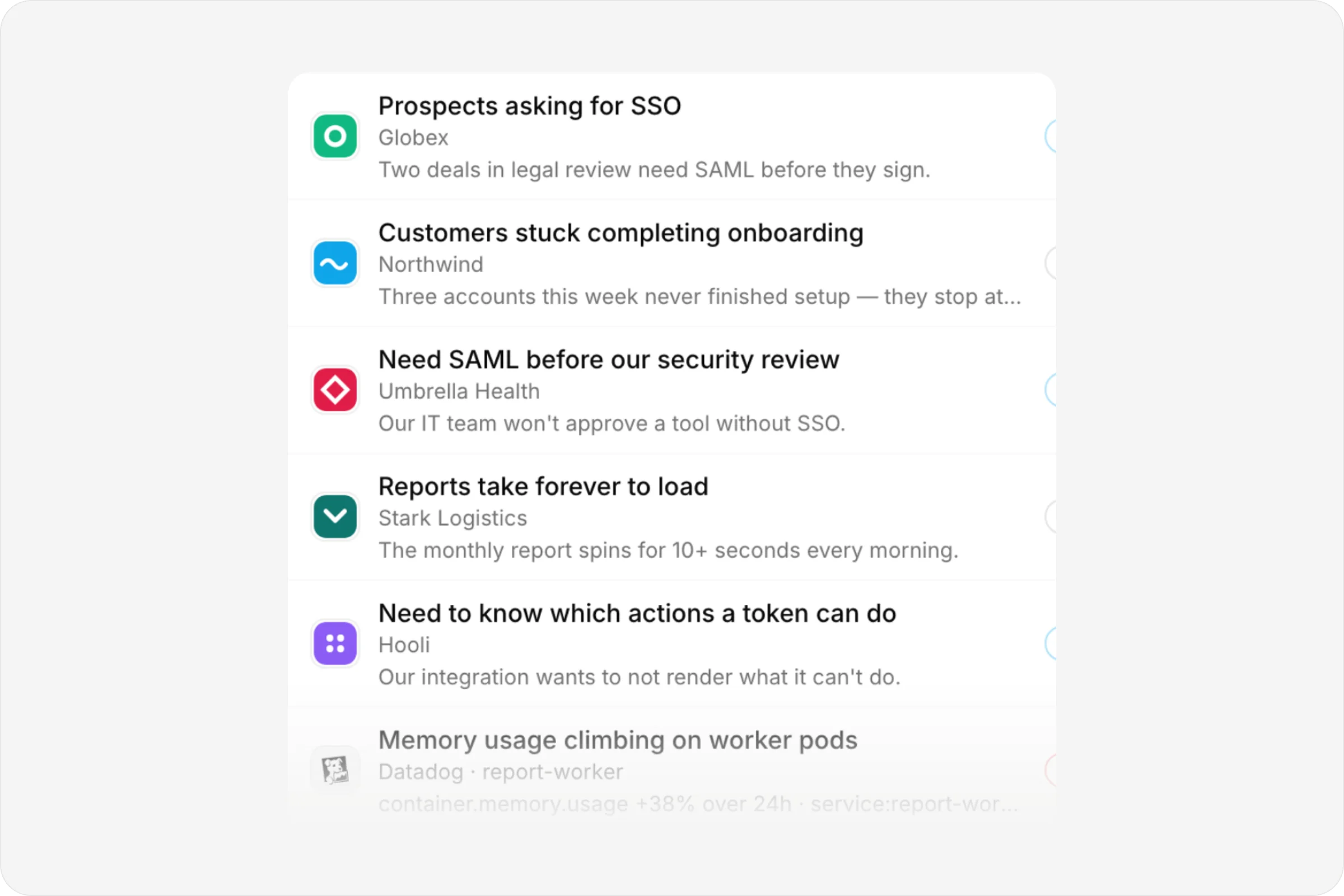
Customers, not just tickets
The Customers tab keeps a record for each company, with every signal they've sent.
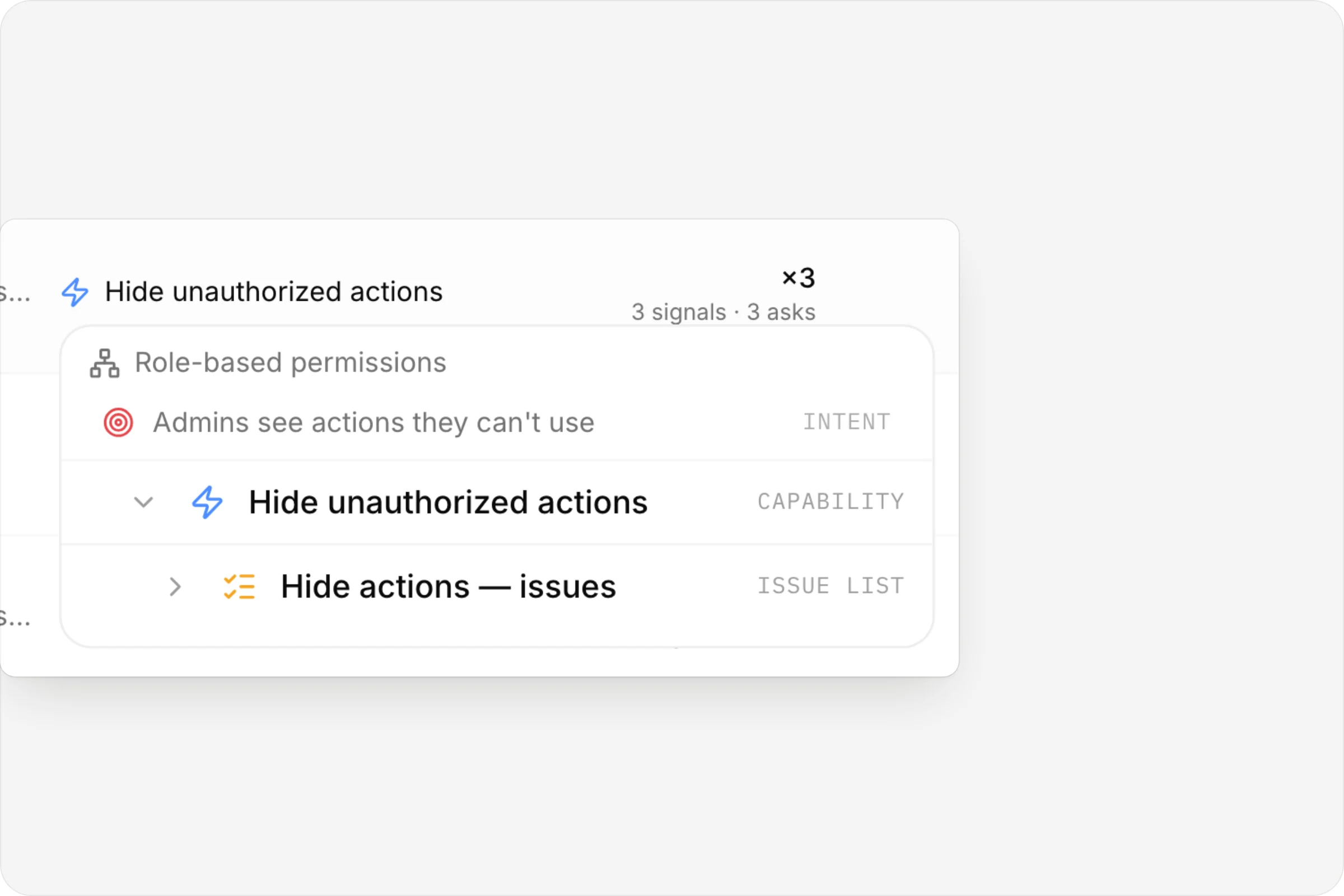
Where it landed
Hover a signal's place in the graph to see its whole chain.
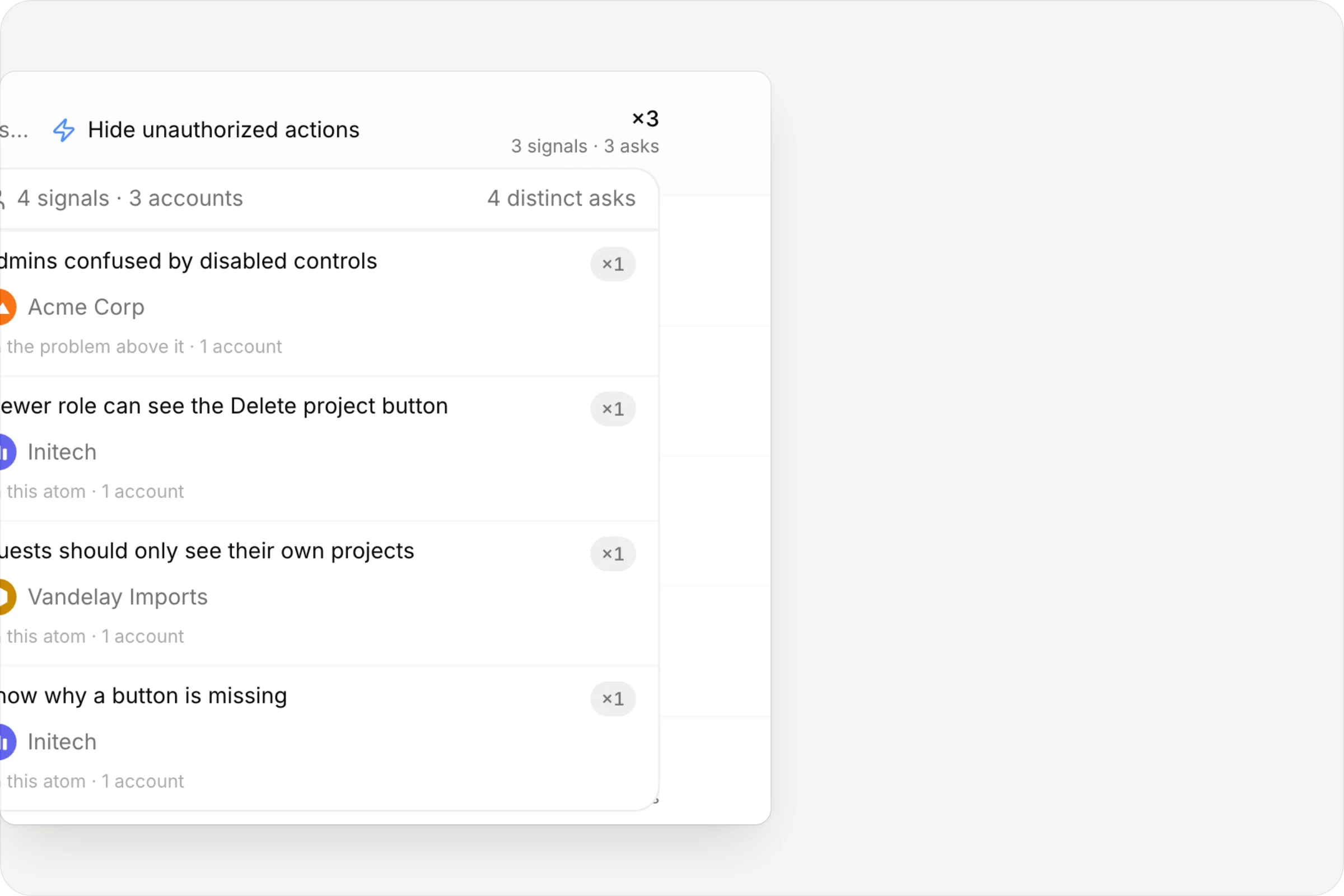
Who's behind the demand
Hover the count to see every voice and account.
FAQ
Questions, answered.
How do signals get in?
Add them by hand, import a spreadsheet, forward customer email to your workspace's intake address, or connect Sentry, Datadog or Better Stack with a webhook.
Does a repeating error create a new signal each time?
No. The tracker's grouping key decides what counts as the same error. Repeats raise the signal's weight and log an occurrence instead of adding rows.
How is demand counted?
Per distinct customer, so five people at one company count as one voice. For production errors, demand is the number of affected users.
Are errors turned into work automatically?
No. A person decides whether an error becomes an issue, which plan it belongs to and how urgent it is.
What if the same email is forwarded twice?
Sending the same email twice never creates a second signal, and a reply in the same thread is added to the original.


One connected product memory for the people and AI building your product.
Bring your tools, your docs and your team. AnedAI keeps the story between them.