Ask anedai
Ask your workspace. Then change it.
An AI assistant on every page that reads your real workspace, answers from it, and makes changes to it: issues, the roadmap, documents and more.
Why Ask anedai
Why it saves time.
- 01
Answers instead of navigation.
“What's blocking this?” is one question, not five clicks across three pages.
- 02
Changes in a sentence.
Rescheduling a feature, filing an issue or linking duplicates is a request, not a form.
- 03
Grounded, not guessed.
Every answer comes from your live workspace data, so it's current and it links to the source.
- 04
Reports write themselves.
Status updates, PRDs and research land as editable documents, built from the real plan, roadmap and signals.
- 05
Your way, every time.
Skills carry your formats and preferences, so you stop repeating the same instructions.
What it does
Inside Ask anedai.
- 01
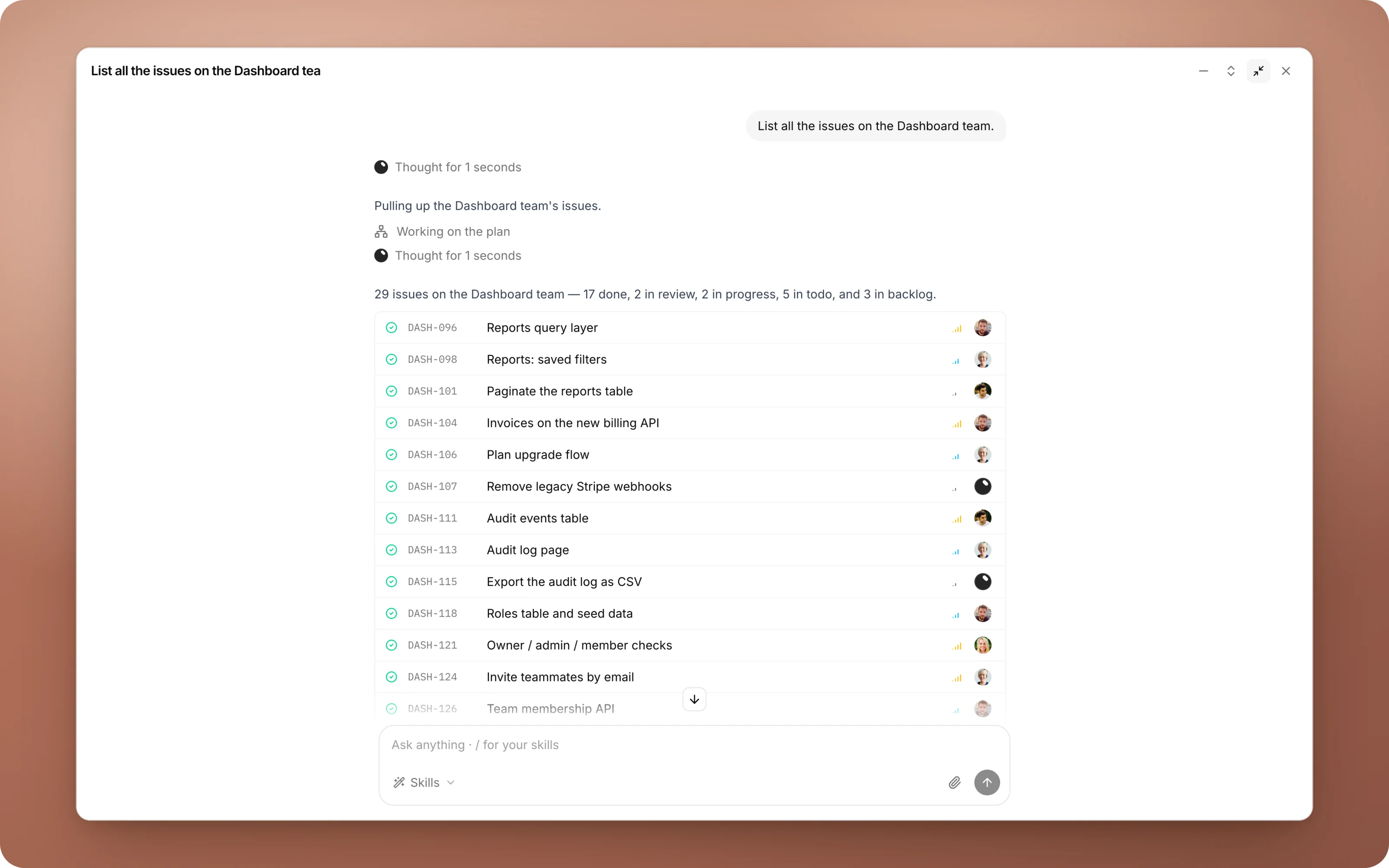
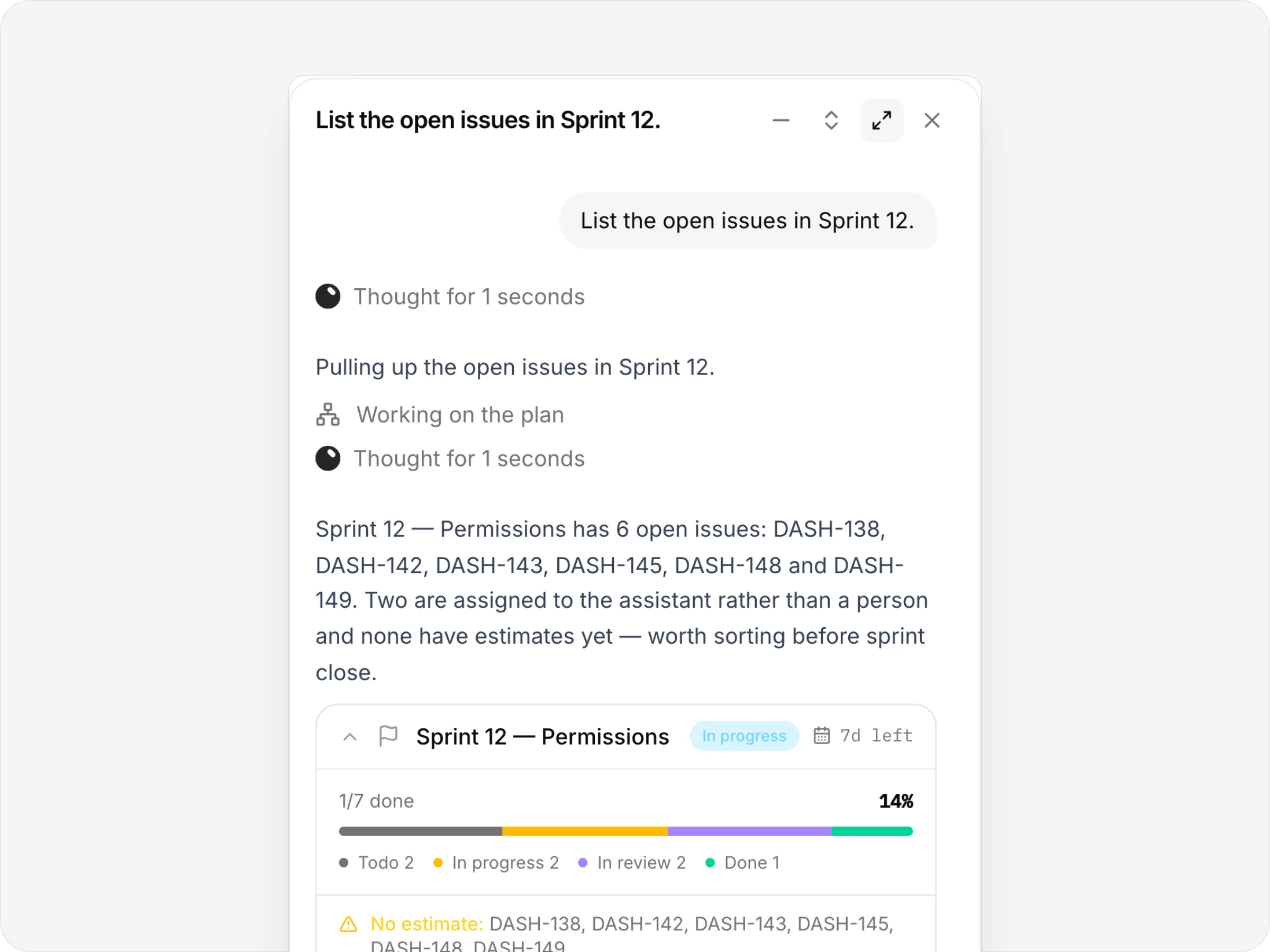
Answers you can click
“List the open issues in Sprint 12” answered with the sprint's card: progress, what's missing an estimate, every open issue.
- 02
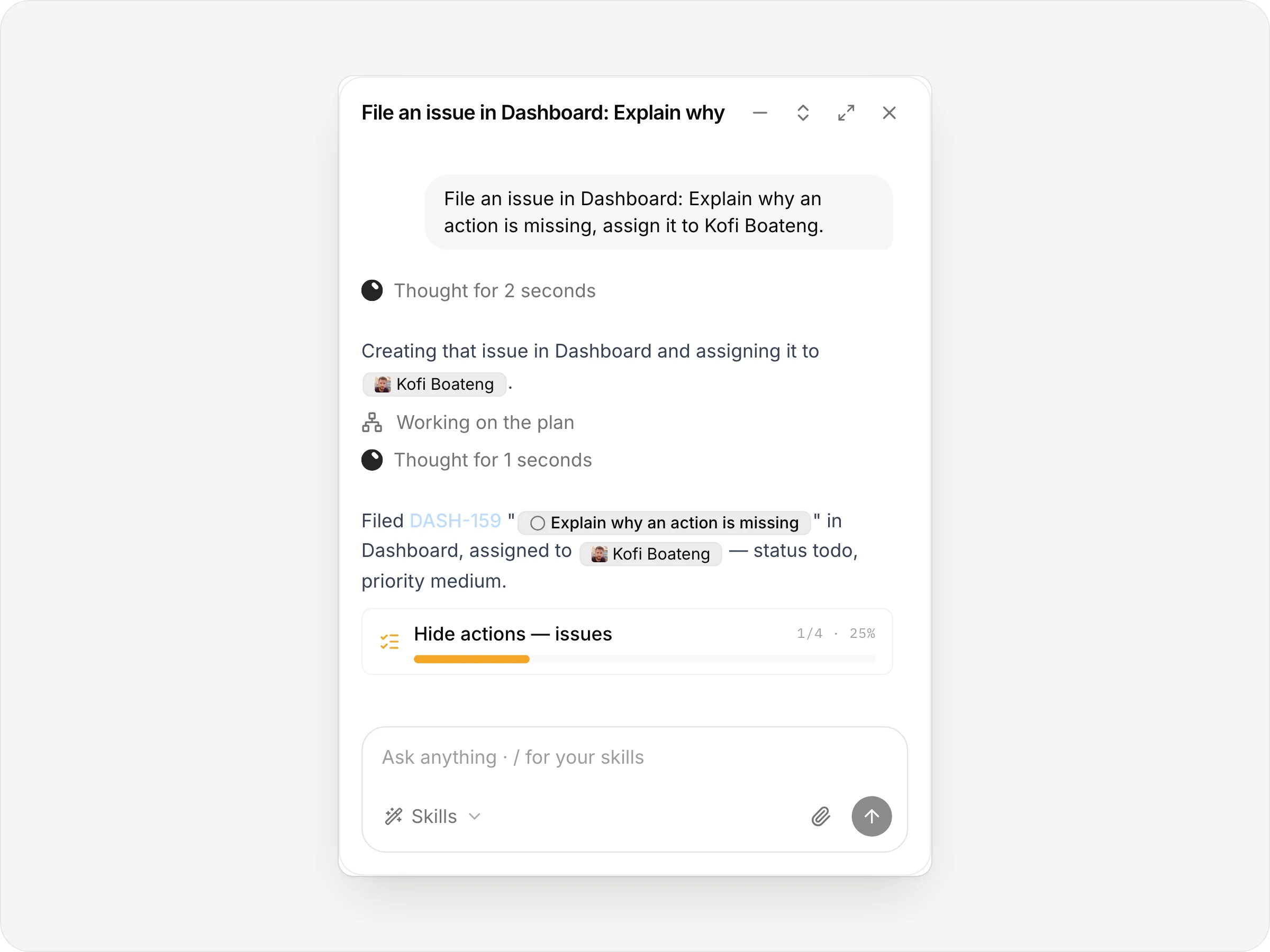
It changes things
Files an issue and assigns it, then shows what it did.
- 03
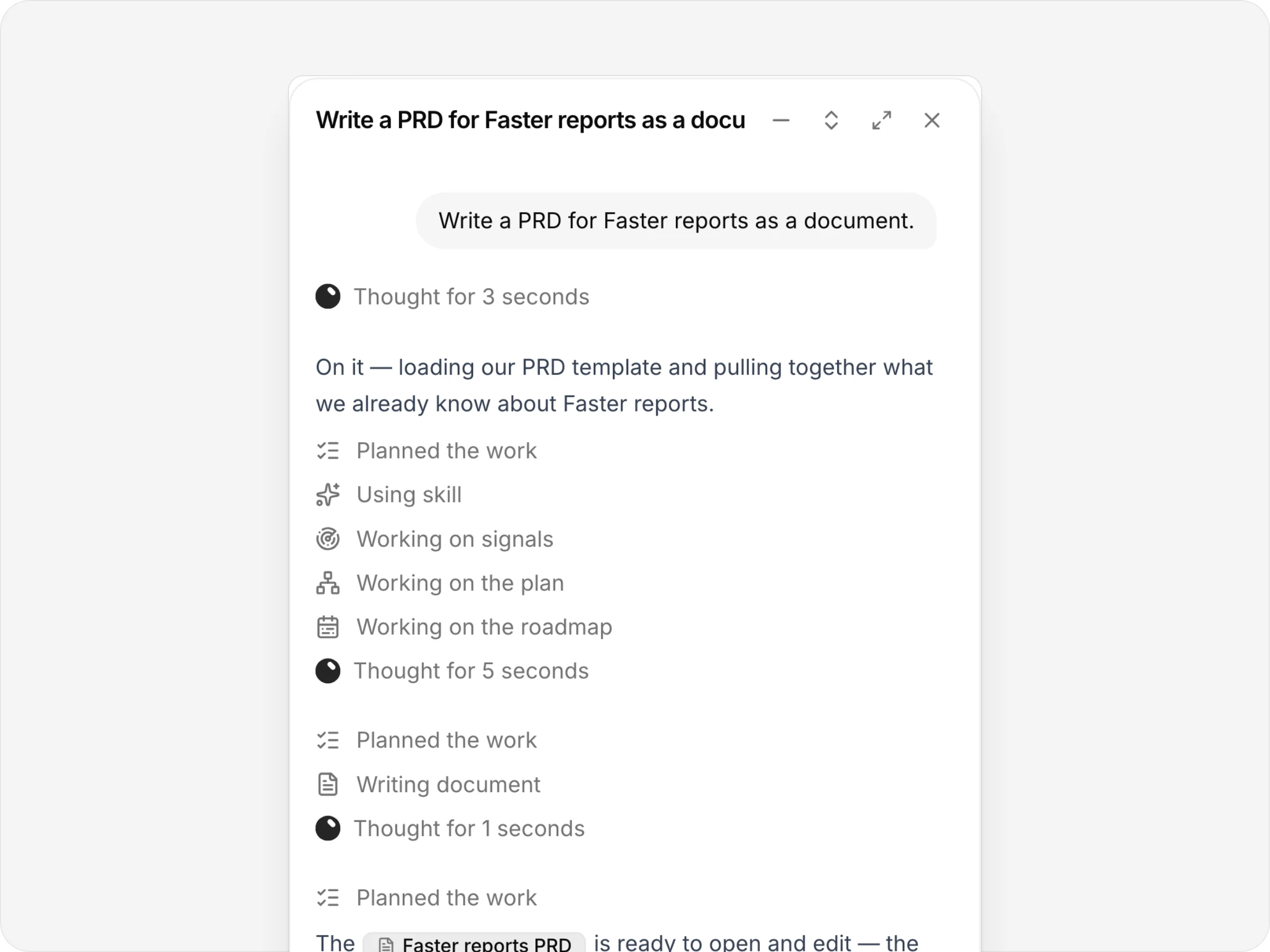
It writes real documents
A PRD written from the plan, signals and roadmap, saved as a document.
anedai AI
Ask in plain words.
anedai routes each request to the right specialist, whether plans and tracking, code, customer signals or the roadmap, and answers in one voice.
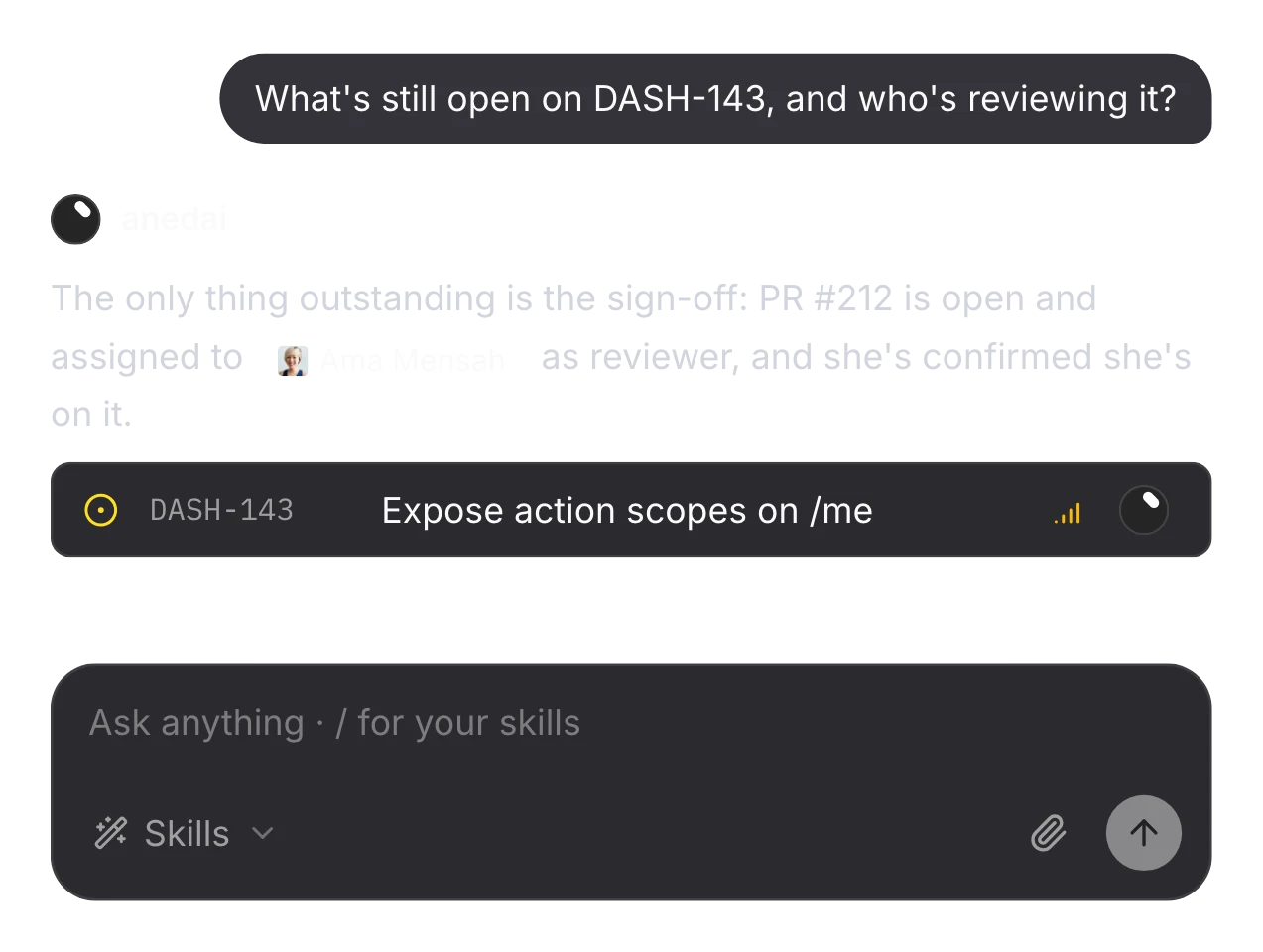
What's still open?
It reads the issue, its pull request and its reviewer, and answers in a line.
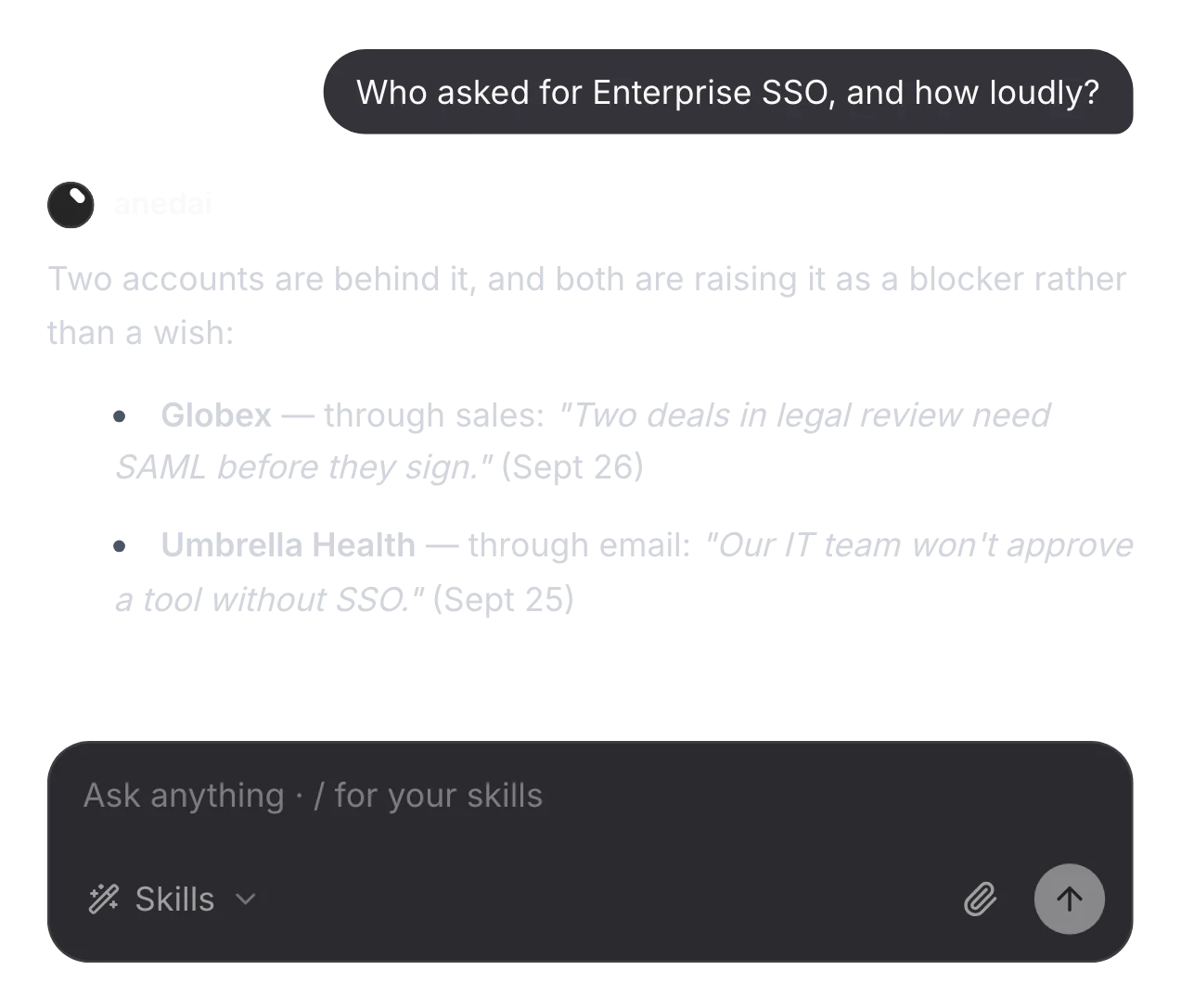
Who asked for it?
It answers from the live inbox, with the customers behind every ask.
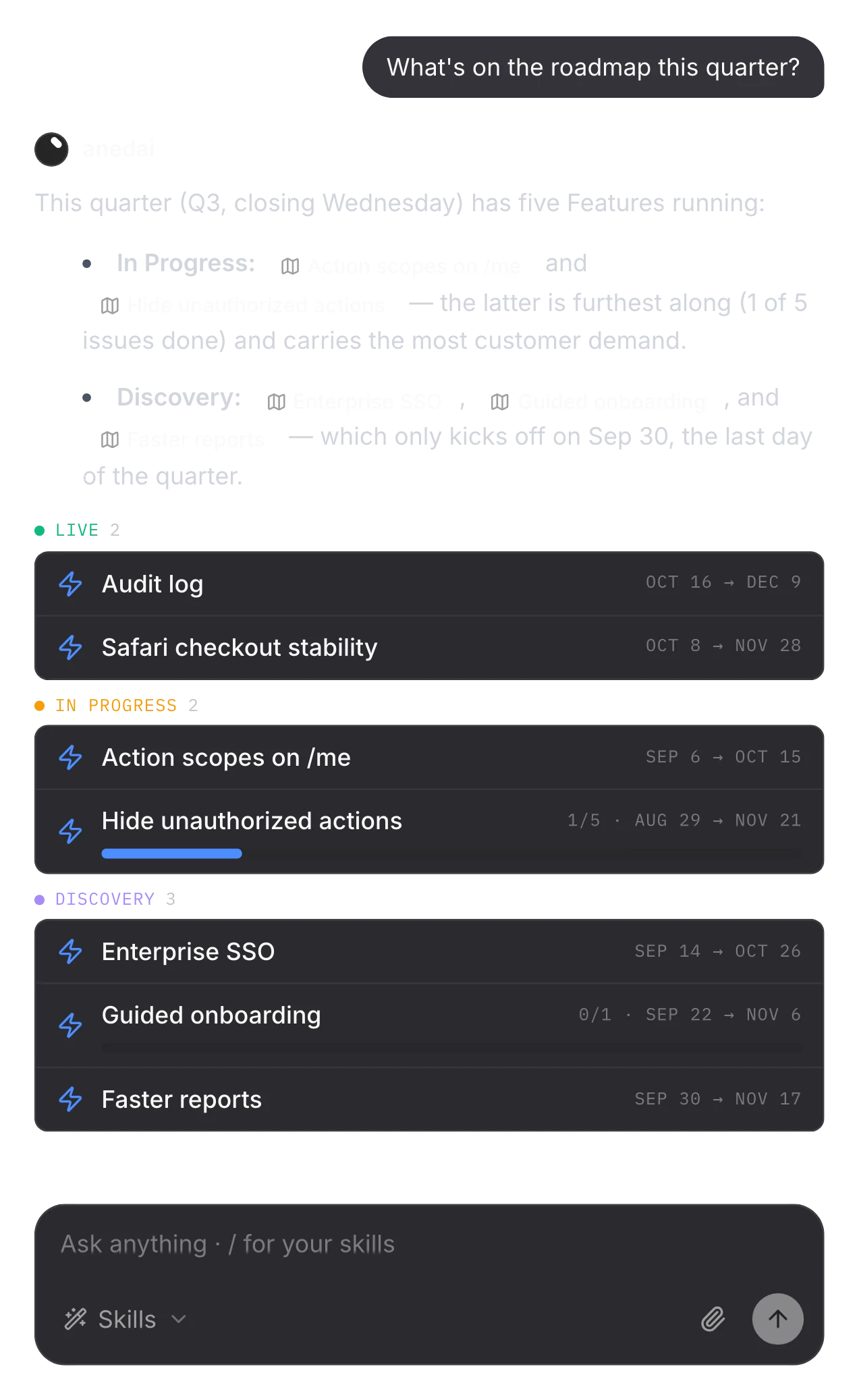
What's on the roadmap?
It reads the roadmap, with the status and progress the work gives each item.
The details
Small things that add up.
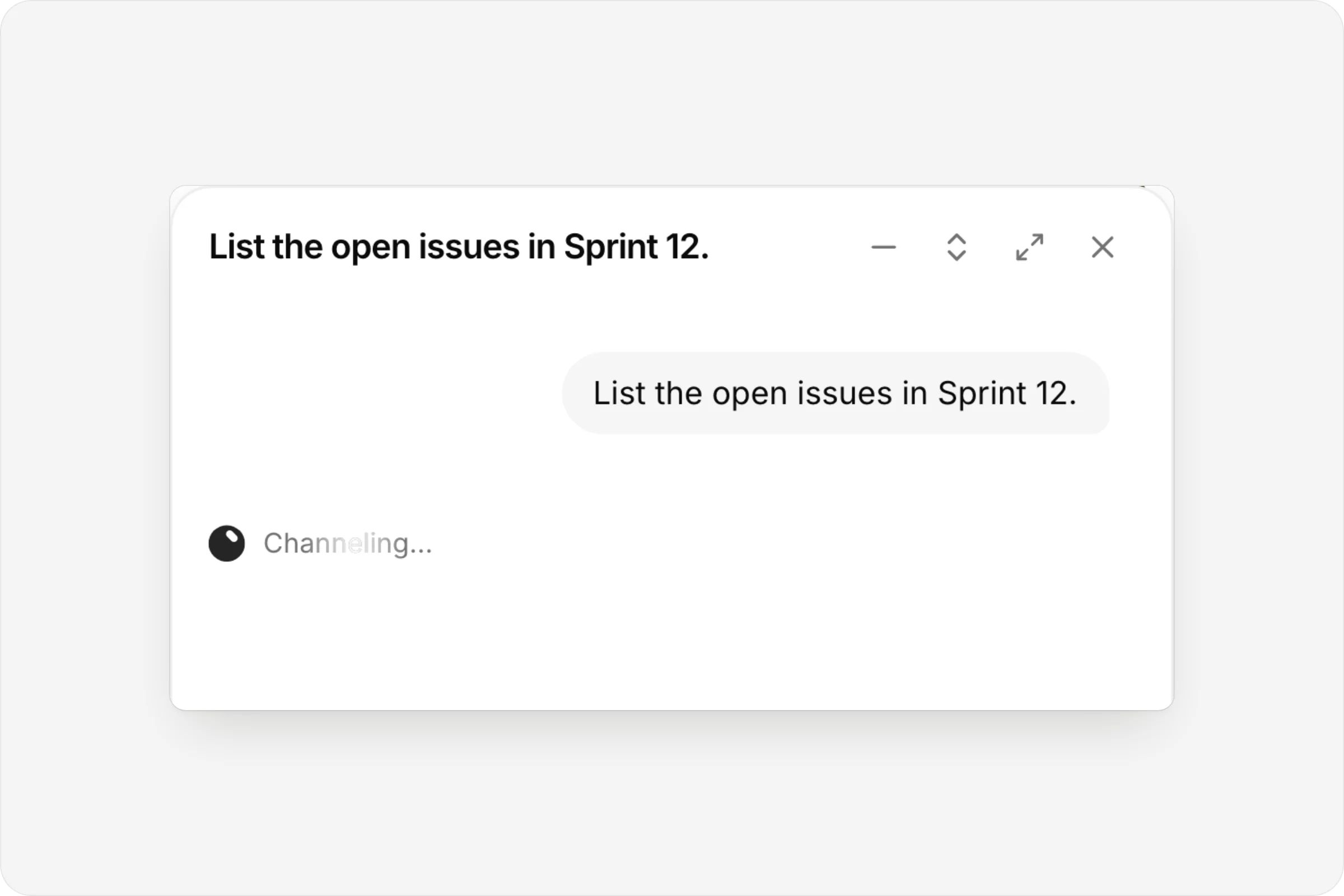
A working line, not a spinner
The Aned mark while it thinks.
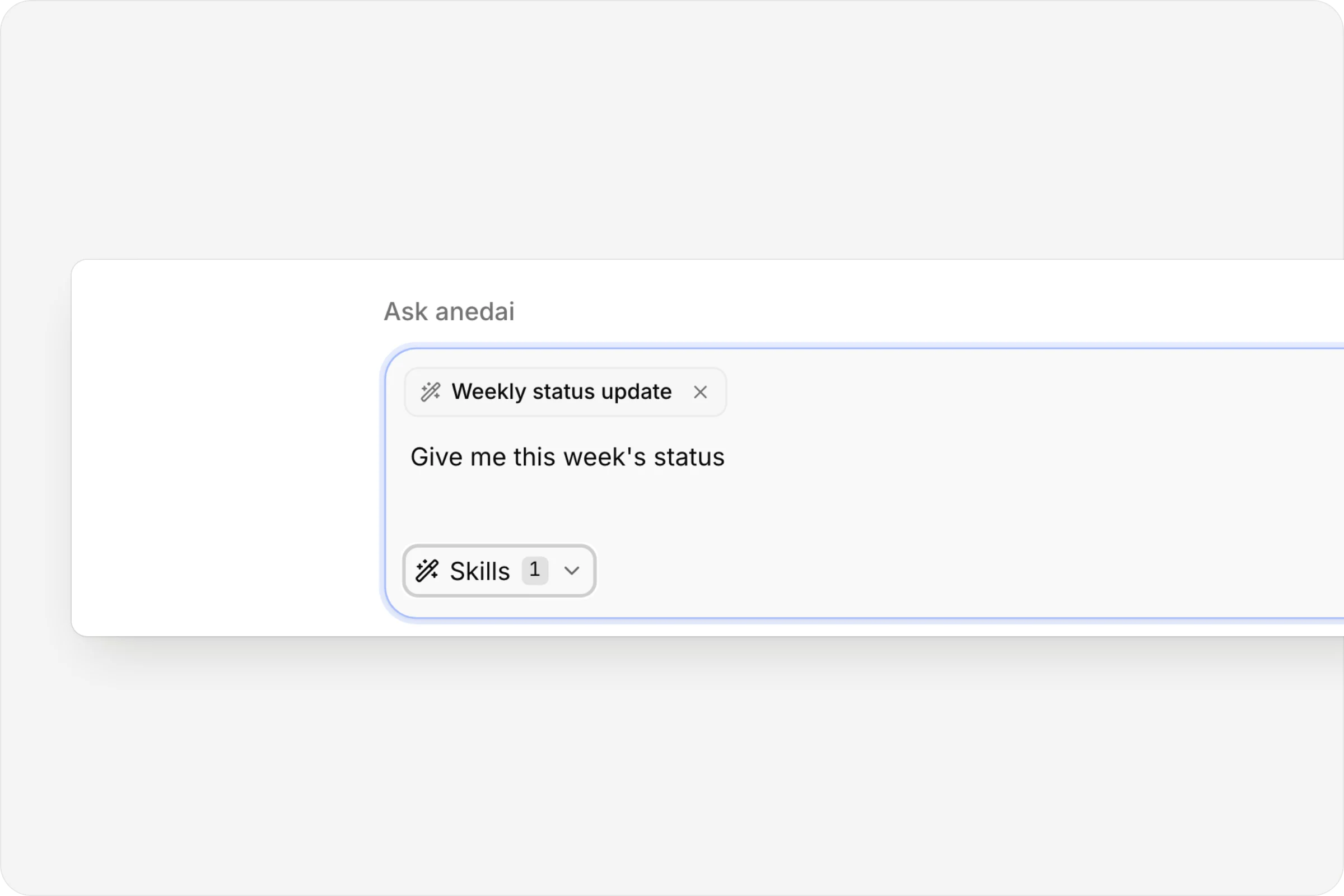
Skills on a message
Pick a saved instruction for this ask.
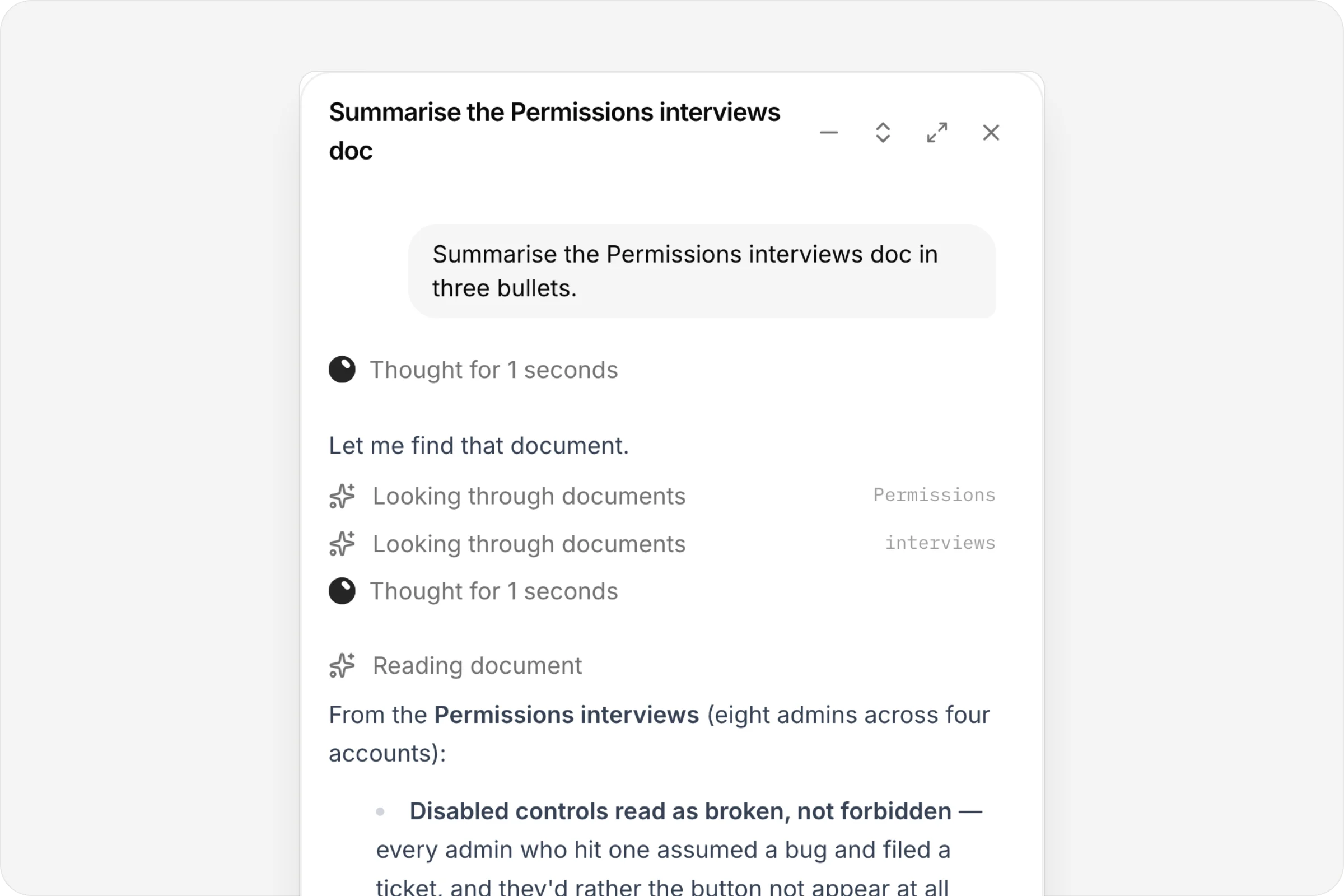
It reads your docs
A document summarised in three bullets.
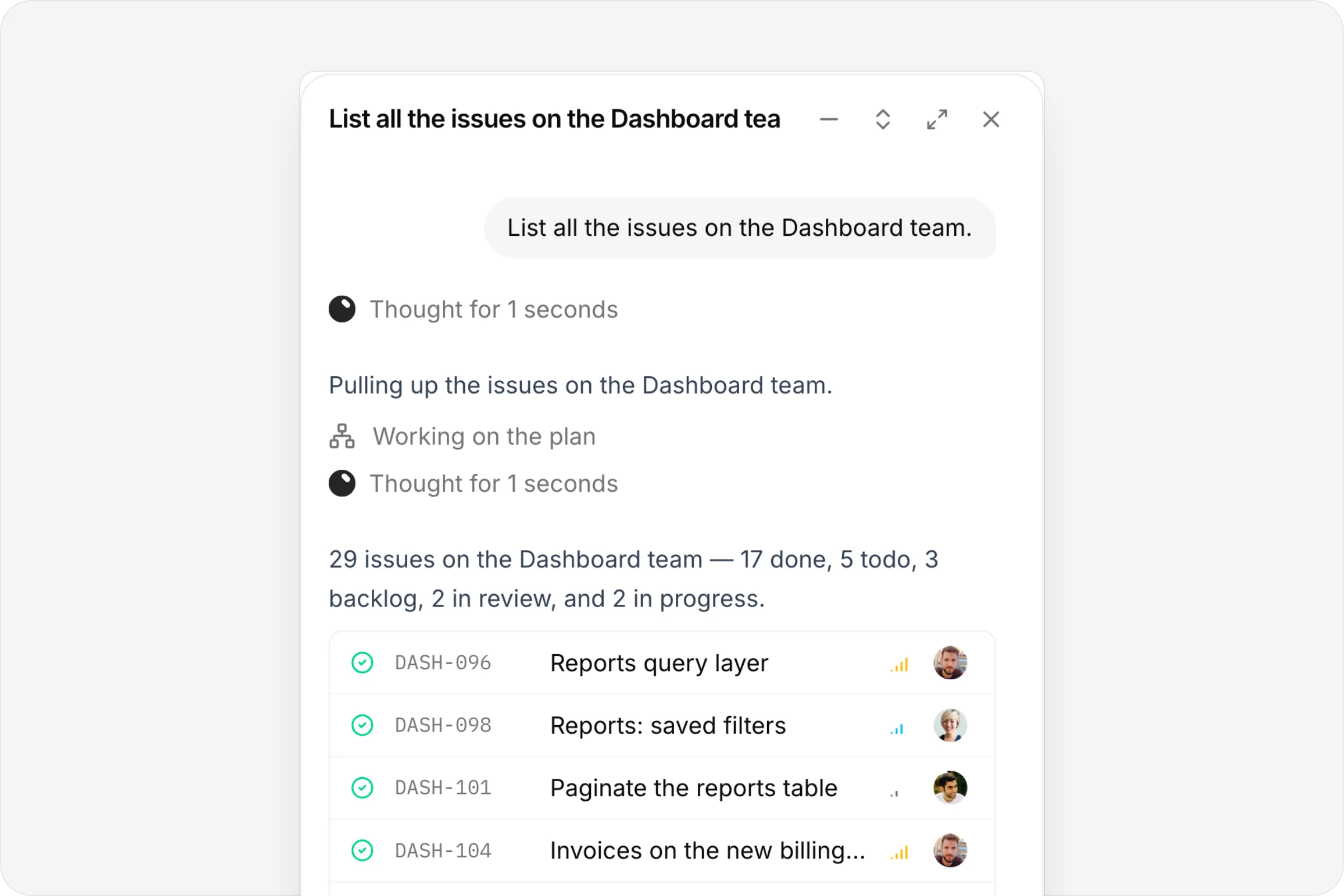
Every row links
Issues with their key, status and assignee.
FAQ
Questions, answered.
Is it a general chatbot?
No. It answers from your live workspace data (the plan, the tracker, signals, the roadmap and documents), and it can act on what it finds.
How do I open it?
It sits at the bottom of every page, and ⌘J opens it. It knows which page you're on, so “this” means what you're looking at.
Will it change things without asking?
Before a change where something important is unclear, such as which plan or which dates, it asks once, with suggested answers, then goes ahead.
Can I show it a screenshot?
Yes. Paste a screenshot, attach an image or type /image, and the picture goes to the model with your question.
Connected
Works with
- AI skillsSave the instructions you'd otherwise repeat, and use them in any chat.
- DocsNotion-style pages with private and shared spaces, live co-editing and inline comments.
- PlansA live map from goal to capability to contract to issues, with decisions, history and a generated PRD.
- SignalsOne inbox for customer feedback, support email and production errors, with duplicates linked and demand counted.


One connected product memory for the people and AI building your product.
Bring your tools, your docs and your team. AnedAI keeps the story between them.